

Crosshair Settings
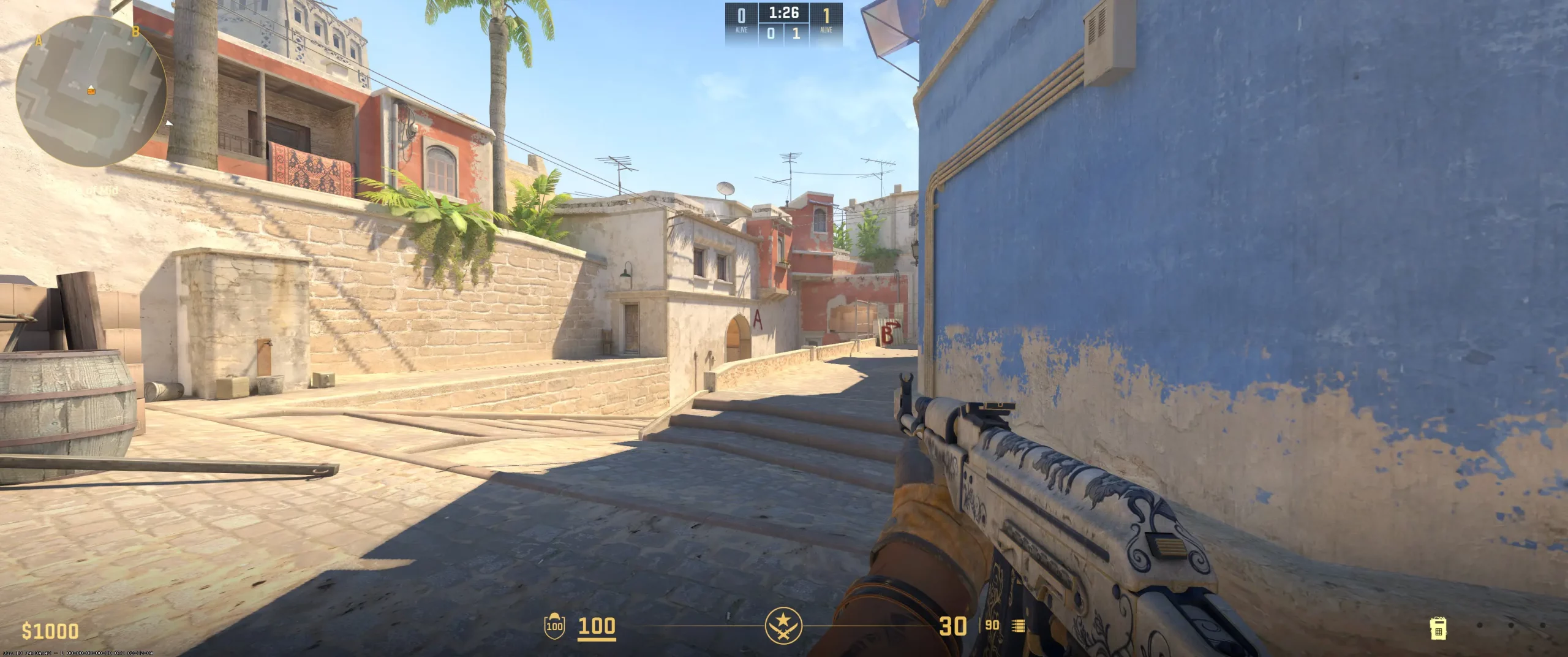
For his crosshairs, you can simply copy the w0nderful crosshair code (CSGO-MQS69-VdhoT-Ee2E7-ycyr7-ZmRBD). You’ll see that w0nderful likes to stick with the classic crosshair style, which slightly enhances his aim discipline by cutting down on distractions. He sets the gap at -4, which brings the crosshairs together to boost flick and headshot hit percentages. Beginners may find that this crosshair grouping is a bit too close together. So, you’ll want to test it out and adjust this setting accordingly.
Like most AWPers, w0nderful likes to keep his sightlines clean. And to complement the tighter crosshair grouping, he keeps the thickness at 1 with no outline. This creates a less cluttered look and allows for fine-tuned micro-adjustments and faster target acquisition while aiming. Though it’s minimal, removing the dot also helps reduce noise. Combine all of these settings and you’ll get a sleek, clean, and fast set of crosshairs. However, don’t expect to execute like w0nderful simply because you copy w0nderful crosshair settings.
CSGO-MQS69-VdhoT-Ee2E7-ycyr7-ZmRBD
Video Settings
When it comes to the w0nderful video settings, he keeps his resolution set to 1280x960 stretched with a 4:3 aspect ratio. You’ll see these settings across a large number of pro settings as they slightly stretch characters horizontally, making them a bit easier to track. However, beginners will notice that it narrows their field of view. W0nderful sets his brightness to 110%, helping make darker areas a bit more visible. The low shadow setting reduces map clutter while keeping his position a bit more hidden in certain scenarios. All of those settings mixed with the 8x MSAA anti-aliasing setting help smooth edges and ensure everything has a clean, clear outline, making it easier to spot and hit his opponents. You’ll want to play around with w0nderful’s settings to find the best CS2 graphics settings for you. It may take some time as you’ll need to adjust everything to fit your playstyle. It’s not simply a copy-and-paste endeavor.
Viewmodel Settings
viewmodel_fov 68; viewmodel_offset_x 2.5; viewmodel_offset_y 0; viewmodel_offset_z -1.5; viewmodel_presetpos 2;
HUD Settings
CS2 competitive radar setups don’t vary much from pro to pro. Like most pros, w0nderful keeps his radar set to rotate. Having the minimap face the direction w0nderful faces, helps cut down on thinking time while making callouts. He zooms his HUD scale in a bit to 1.1, making essential info a bit larger and easier to see. This allows w0nderful to spend less time focusing on something other than through his scope.
His radar zoom is set to 0.45. This keeps the map zoomed in enough to prioritize the action around him, yet zoomed out enough to get a broader idea about what’s happening a bit further away.
Check out the w0nderful radar settings if you’re looking for something that will help you pay more attention to the important on-screen info without distracting you too much from your game.
Radar Settings
Launch Options
The w0nderful config download settings are similar to other pros. Meaning, these settings tend to vary much from pro to pro. W0nderful keeps his -freq at 240Hz. This helps provide ultra-smooth frame updates. A few of his other settings are: novid: This removes the intro and saves time during game launch. high & threads: At 8, prioritizes CPU resources for CS2 for better frame consistency. tickrate: Sets offline practice or community servers to 128. nojoy: Helps reduce background process drag by stripping unnecessary graphical overhead and disabling joystick support. These CS2 launch options pro settings are, for sure, something you can copy that don’t require any appropriate skill levels. However, you’ll want to make sure your gear can handle the load. If not, adjust some of the settings or upgrade your gear. One is easier done than the other.
-novid -tickrate 128 -console +rate 786432 -freq 360 -refresh 360 -allow_third_party_software
Config Settings

Skins
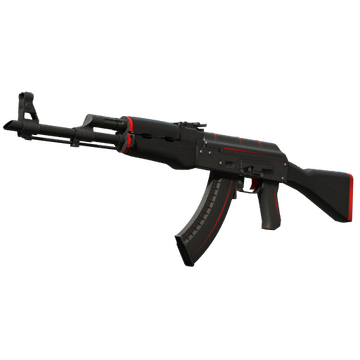
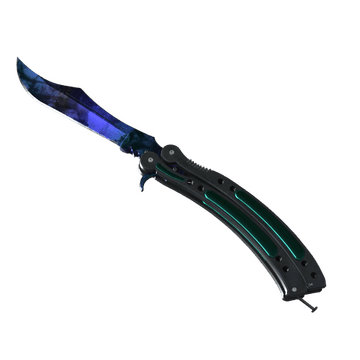
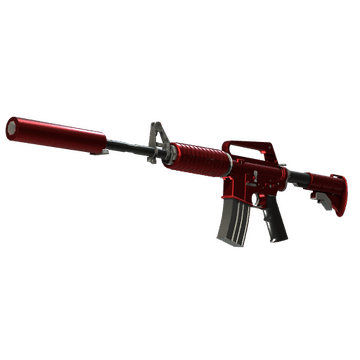
The skins that a player chooses often says a lot about who they are and how they play. Here are a few w0nderful CS2 skins he uses and what that says about him:
Butterfly Knife | Doppler - A covert skin with an aggressive style. It has a soothing yet chaotic mix of blues, reds, pinks, and purples. It feels like it mimics the calmness before shots ring out.
AK-47 | Redline - With a lack of flashy colors, it has a clean, simplistic look that has a quietly understated style. Yet, at the same time, the red and black colors convey a sense of danger.
M4A1-S | Hot Rod - The fiery red color really stands out, much like w0nderful’s style. It won’t go unnoticed.
If you’re looking to buy CS2 skins like w0nderful, expect to have a decent budget. Like most pro players, the w0nderful inventory is a casual player’s dream. You’ll want to keep in mind that the skin a player uses, though it can say something about them, rarely helps improve their play. However, there is something to the psychological impact skins can have. To be honest, it’s much better to concentrate on finding the best settings that work for you than worry about looking good.
Teammates
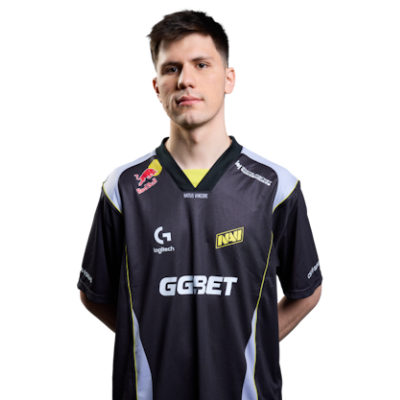
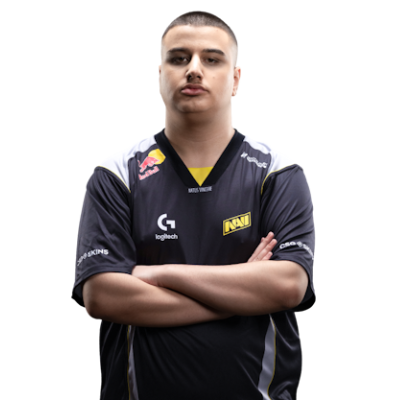
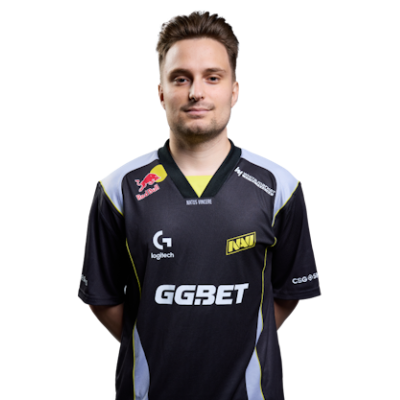
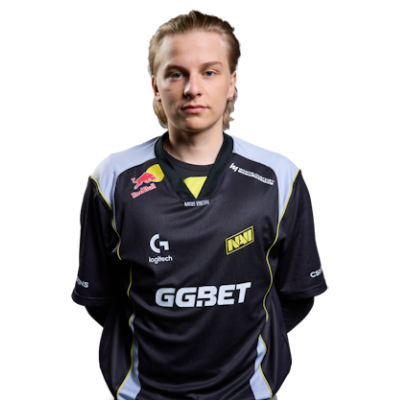
w0nderful Playstyle & Role
At only 20 years old, w0nderful has already achieved a long list of achievements and highlights. Here’s a snapshot of some of the w0nderful achievements:Esports World Cup 2024 ESL Pro League Season 20 IEM Rio 2024 W0nderful was ranked the 11th best player in the world in 2024. Even at 20, he’s widely considered one of CS2’s rising stars. We expect to see his list of achievements only get longer as the years pass. Somewhere out there is a shelf that is currently holding the 4 trophies of w0nderful. And as both his skill and NaVi climb the ranks, you can expect to see many more join those for in the next couple of years.
Achievements & Career Highlights
At only 20 years old, w0nderful has already achieved a long list of achievements and highlights. Here’s a snapshot of some of the w0nderful achievements:Esports World Cup 2024 ESL Pro League Season 20 IEM Rio 2024 W0nderful was ranked the 11th best player in the world in 2024. Even at 20, he’s widely considered one of CS2’s rising stars. We expect to see his list of achievements only get longer as the years pass. Somewhere out there is a shelf that is currently holding the 4 trophies of w0nderful. And as both his skill and NaVi climb the ranks, you can expect to see many more join those for in the next couple of years.
Current and Past Teams
Having turned pro in 2020, w0nderful has been on 5 different teams during his pro tenure. And it looks like he has finally found a team he can call home. So, which team does w0nderful play for? Here’s a quick look at his current and previous teams:Natus Vincere (2023–Present) Sprout (2023) Team Spirit (2022–2023) HellRaisers (2021–2022) Trasko Esports (2020-2021) There’s no doubt that there are tons of players who dream about being on the w0nderful team. However, with his current abilities, any player who plays beside him likely also has to be one of the best in the world. And that simple fact has killed many dreams. Be sure to explore more CS2 pro player settings and crosshairs on CS2Crosshair.com.
FAQ
What resolution does w0nderful use?
W0nderful sets his monitor to a 1280x960 stretched resolution with a 4:3 aspect ratio.
What sensitivity does w0nderful play on?
He plays with his mouse sensitivity at 3.09 with a 400 DPI. This helps him maintain the aim sensitivity needed to hit fast flick shots.
Should beginners copy w0nderful’s settings?
Some of w0nderful’s settings can be easily copied, while others may cause a certain level of difficulty for beginners. We suggest checking them out and adjusting them accordingly.