

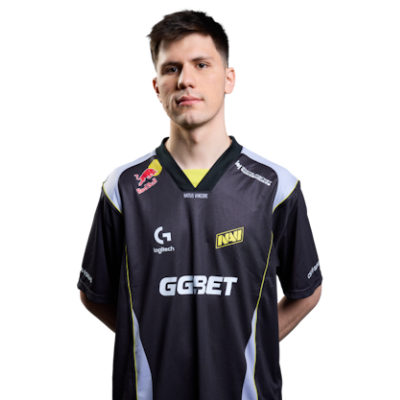
Crosshair Settings
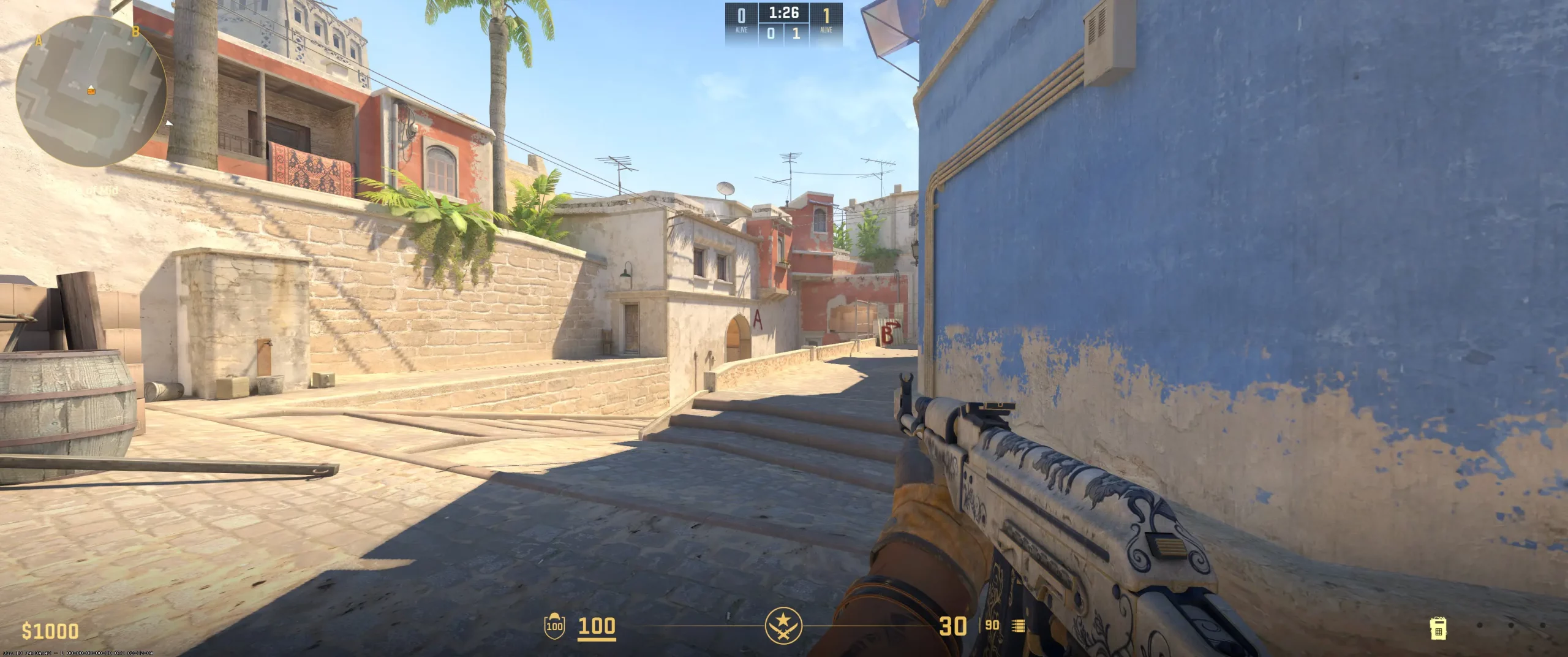
B1t's crosshair settings are a classic choice for many professional players. The first thing to note is that it's static, which allows for greater predictability when shooting. The crosshair lines are thin and short, with a slight gap between them. The crosshair has no center point or outline, giving it a compact appearance overall. B1t's crosshair color ensures contrast on any map, as it's a bright green. Furthermore, the crosshair is opaque. If you look at the table, you'll see that the Ukrainian player has “Follow Recoil” disabled, meaning the crosshair doesn't move with recoil. The crosshair subtly reflects his behavioral characteristics on the battlefield, particularly his ability to maintain control. You can copy the b1t crosshair code and use it in the console. Beginners are advised to slightly increase the length of the crosshair lines and add a thin outline to increase its visibility in bright or dark areas of the map.
CSGO-Afqyt-BkB8V-XKBPn-wXZY5-6QBUM
Video Settings
B1t's video settings reflect his professionalism. As the table shows, he has a 1280x960 resolution with a 4:3 aspect ratio. Like many other pro players, he has a stretched aspect ratio enabled. This is common practice among pro players. This format makes opponents' models appear wider, making them easier to aim. B1t has fullscreen mode and high brightness (without overexposure).The Ukrainian player's maximum FPS is 400, which provides him with a stable and smooth image. To maintain a stable FPS, b1t kept the settings responsible for detail and shadows low. These are among the best CS2 graphics settings for players who focus on predictable maneuvers, visual clarity, and effective reaction speed. Of course, a pro player sacrifices some visual appeal for efficiency. For beginners, these settings may seem too harsh, but ultimately, they help achieve stability at a competitive level.
Viewmodel Settings
viewmodel_fov 68; viewmodel_offset_x 2.5; viewmodel_offset_y 0; viewmodel_offset_z -1.5; viewmodel_presetpos 2;
HUD Settings
For a player, it is important that the HUD and radar settings are as informative as possible while remaining minimally distracting. B1t's HUD and radar settings are set precisely for this purpose. The player's “HUD Scale” is set to 0.95. Elements appear slightly smaller than standard, but the player has more screen space. The interface color is tied to the team color, allowing b1t to easily distinguish teammates from opponents even in stressful situations.
Valerii's radar size is chosen to maintain a balance between map overview and detail. The “Radar Map” setting reduces the map scale, giving b1t more space around his position. It's also worth noting that Valerii's radar rotates depending on his viewing direction. This is a standard choice for pro players.
B1t's CS2 competitive radar setup maintains a minimalist look, yet remains as informative as a pro player needs. CS2 beginners can use the same settings, but may want to increase the “HUD Scale” slightly.
Radar Settings
Launch Options
CS2 players have access to custom launch parameters, meaning they can optimize the game before launching. Some pro players use these settings, while others don't (for example, NiKo, donk, and mezii). Valerii Vakhovskyi has them configured.One of his commands is +fps_max 500. It limits the frame rate to 500, which is necessary for smoother images. The second command is -freq 360. It sets the screen refresh rate. This player-selectable setting is relevant for professional monitors, making every movement as responsive as possible. Additionally, b1t has a command to skip the intro video when starting a shooter, as well as commands that increase the data processing frequency and set the optimal connection bandwidth — -tickrate 128 and -rate 786432, respectively. You can click the b1t config download button to fully experience all the player settings.
+fps_max 500 -freq 360 -console -tickrate 128 -novid -rate 786432
Config Settings

Skins
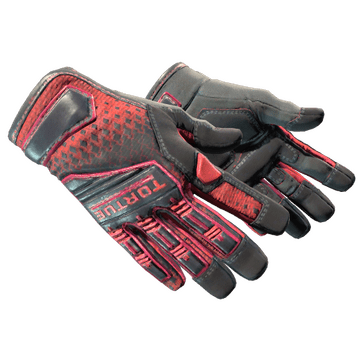
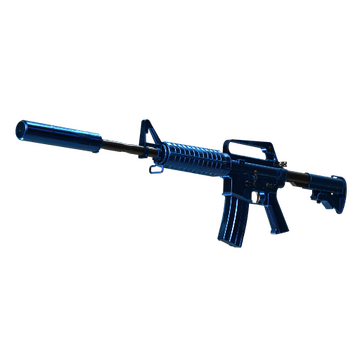
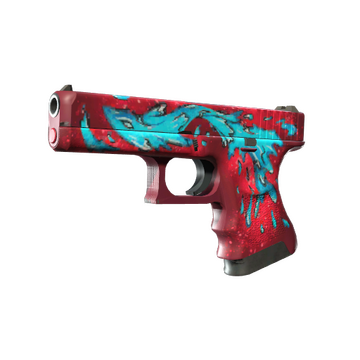
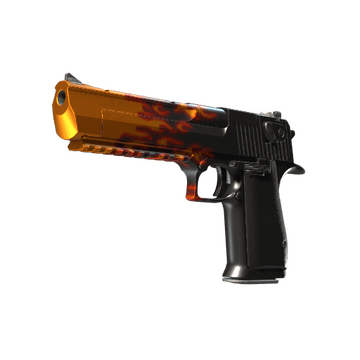
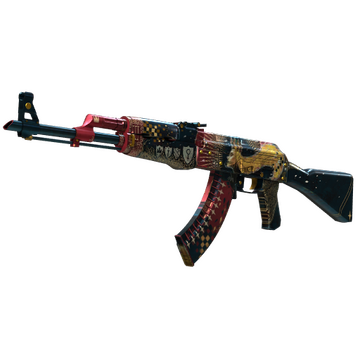
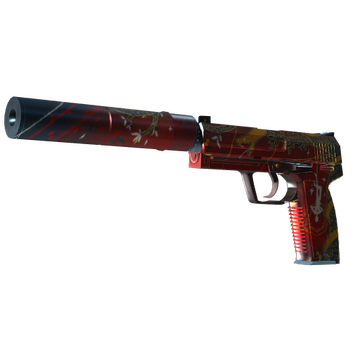
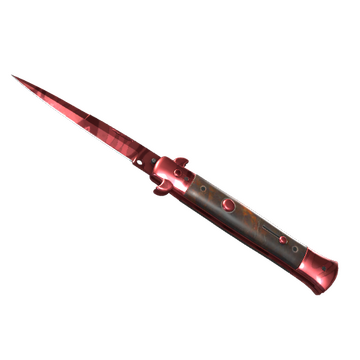
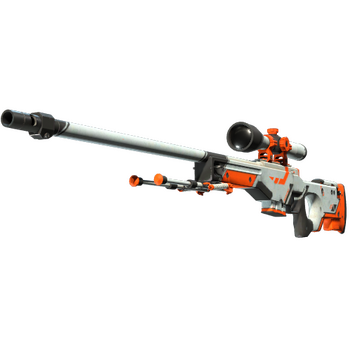
Valerii Vakhovskyi prefers popular CS2 skins. His inventory includes both vibrant skins with stickers and iconic minimalist skins like AWP | Asiimov. B1t plays with both Factory New skins and high-float value skins in Battle-Scarred quality. The Ukrainian player is a fan of red skins, which are associated with energy and aggression. This is precisely what b1t displays on the battlefield. Valerii Vakhovskyi's inventory perfectly reflects his experience and style of interacting with opponents. If you want to buy CS2 skins like b1t, you should look for them on the Steam market or third-party platforms like Hellcase, which offers attractive prices, discounts, and bonuses. B1t CS2 skins are definitely worth your attention and investment.
Teammates
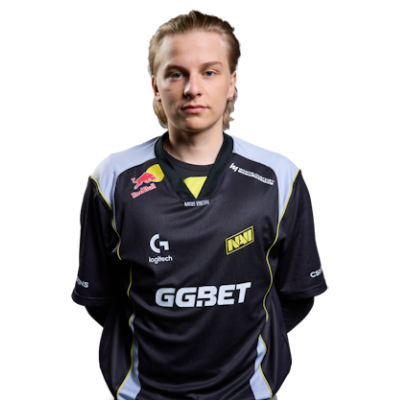
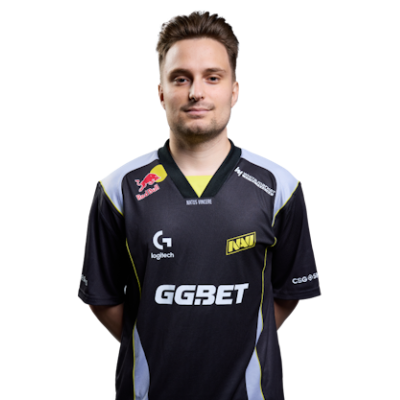
b1t Playstyle & Role
B1t is a rifler for the NAVI team. B1t's playstyle analysis is not only interesting but also useful. Fans know him as a player with high accuracy in 1v1 duels and headshots. The Ukrainian player consistently ranks among the top players with the highest headshot percentage. Overall, b1t's gameplay can be described as balanced and disciplined, but he can also display aggression when needed. Valerii Vakhovskyi also demonstrates flexibility, particularly in maintaining his position on different maps and under pressure. He also excels at teamwork, assisting his teammates with strategic decisions and space control.
Achievements & Career Highlights
B1t's professional career began with NAVI Junior, after which he immediately joined Natus Vincere. That same year, the Ukrainian player's team won the PGL Major Stockholm 2021. Thus, b1t became one of the few CS players to win a Major in their first year. This isn't b1t's only trophy. In 2024, he and his team won again at the PGL CS2 Major Copenhagen. B1t's achievements include multiple placements in HLTV's top CS player rankings. In 2021, Valerii placed 9th, in 2022, he reached 16th, and in 2024, he again reached 9th place. Furthermore, in 2024, b1t received the "Anchor of the Year" award at the HLTV Awards as one of the most reliable players.
Current and Past Teams
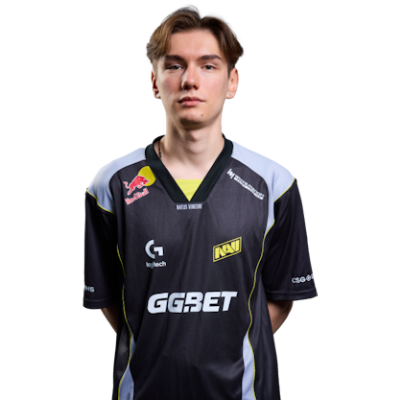
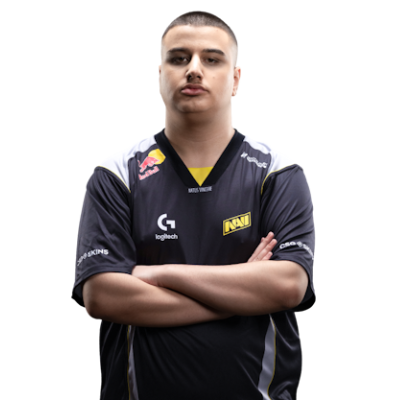
2019 – 2020 NAVI Junior 2020 – now Natus VincereIn 2019, b1t joined the NAVI youth roster. Within two years, he had established himself as a promising player. He excelled in consistent play, boasting a high headshot percentage and generally advancing rapidly. At the end of 2020, he was directly recruited by NAVI. Since then, he has regularly appeared at tournaments and is, without exaggeration, an indispensable player. His teammates include w0nderful, Aleksib, iM, and makazze. The b1t team is one of the leaders in esports. Learn more about the gear and settings the best CS2 pro players choose at CS2Crosshair.com!
FAQ
What resolution does b1t use?
Valerii Vakhovskyi's resolution is set to 1280x960.
What sensitivity does b1t play on?
The Ukrainian player uses a sensitivity of 1.42.
Should beginners copy b1t settings?
Players with different CS2 skill levels can certainly test the b1t settings, but it is recommended to listen to your needs and your playing style.