

Crosshair Settings
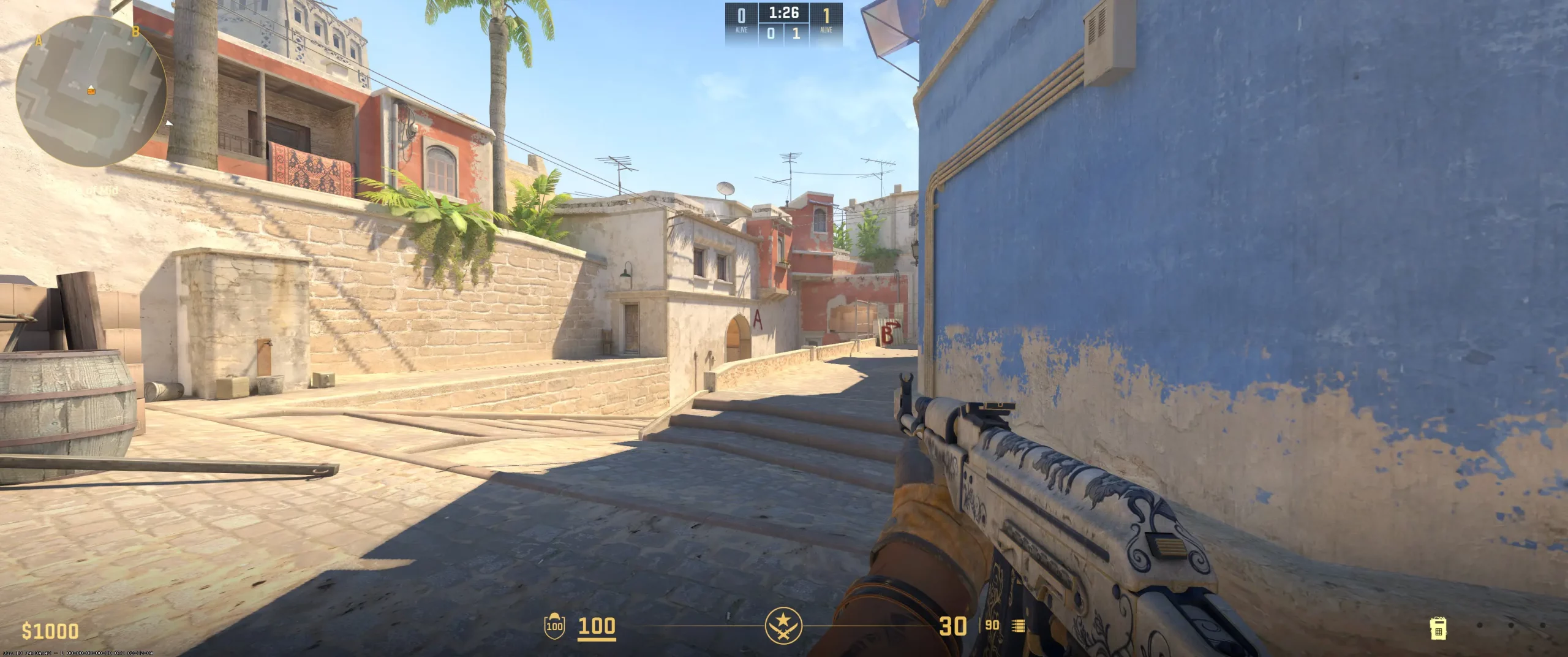
Twistzz's crosshair settings perfectly match his shooter style, which is characterized by precision and a high level of control. He uses a classic static crosshair with a dot in the center. This is a good choice, allowing the player to fully concentrate on aiming, while the dot also helps focus on opponents' weak points. The crosshair is minimalist and compact. This is ideal for a pro player with excellent control, but it can be challenging for a beginner. The crosshair's color is bright, meaning it is visible on all maps, which are predominantly shades of brown. Twistzz's crosshair has its outline disabled, but it remains completely opaque, ensuring a clean look and maximum visibility.
The Canadian esports athlete also uses a setting of “Split Distance” on 3 and “Split Size Ratio” on 1, ensuring his crosshair looks symmetrical and balanced. Twistzz's crosshair code is the result of years of practice, experimentation, and trial and error. For beginners, these settings may be too complex. It's recommended to slightly increase the percussion line length (for example, to 3-4), increase the gap, and turn on the outline. This will improve visibility. If you're already confident in your shooting and have good control over your drill, simply copy the Twistzz crosshair settings and try them out.
CSGO-JU2jV-vzchu-svymm-AjmBN-4jw5G
Video Settings
Russel's video settings are a common choice among pro players, balancing visual clarity and performance. The Canadian player uses a popular resolution, supplemented by a stretched mode. This means the player receives a horizontally stretched image, making it much easier to target opponents' weak spots. Concentration is maximized, distractions are minimized. This is all you need for a successful match. Twistzz has fullscreen enabled, and the brightness is set to a level that helps the player clearly spot other players in dark areas of the map. At the same time, the image isn't overexposed.Twistzz has Boost Player Contrast enabled. It's designed to enhance player visibility against the surrounding environment, which is especially beneficial during intense play. All settings that could cause lag or affect shooting accuracy are disabled, including V-Sync, NVIDIA Reflex Low Latency, and G-Sync.Russel doesn't limit his maximum FPS, but he has anti-aliasing configured — this is necessary for smooth visuals without sacrificing performance. Texture and shadow settings are set to a minimum, which helps the player conserve system resources and focus more clearly on opponents. There are also settings that are best disabled. The Canadian player disables the FidelityFX Super Resolution setting, preserving the original image quality without artificial scaling. These are the best CS2 graphics settings among professional players.Players just getting started with the game and its hardware, especially those with weaker computers, can try using the same settings.
Viewmodel Settings
viewmodel_fov 68; viewmodel_offset_x 2.5; viewmodel_offset_y 0; viewmodel_offset_z -1.5; viewmodel_presetpos 3;
HUD Settings
Twistzz's HUD and radar settings are designed to provide the player with a wealth of information while still making it easy to perceive without distracting details. The HUD Scale is set to 0.9, making important stats, including health, armor, and ammo, appear slightly more clearly. This gives the player more space to assess the game situation.
The Radar Hud Size has been slightly increased from the default (to 1.15) — Twistzz can more clearly perceive the displayed data. The player's HUD color is bright and highly visible. Pink contrasts beautifully with the monotonous scenes found on most game maps. Additionally, Twistzz has radar rotation and player-centered sensing enabled. This means Russel is centered on the radar and moves with the player's gaze. This provides many advantages, most importantly, it allows the player to always know where his teammates and potential points of danger are.
Twistzz's visible area is slightly increased thanks to the Radar Map Zoom setting. This approach is especially important for players who regularly evaluate the minimap to predict opponents' movements and manage rotations. Twistzz has a CS2 competitive radar setup, which reflects his analytical approach to the shooter. Beginners are advised to reduce the HUD size and adjust the radar zoom (for example, to 0.4–0.5). This approach increases map visibility and directly impacts reaction speed to opponent movements.
Radar Settings
Launch Options
Players can control how the game launches using launch parameters. Many pro players leave these settings alone, while others have them. Twistzz does. With the -novid command, the Canadian player disables video playback when launching the shooter. This means you can take advantage of this useful command too. Who doesn't want to get into the game as quickly as possible? With the -tickrate 128 command, Twistzz sets the server refresh rate. This value is consistent across esports platforms, so the difference between regular and tournament play is imperceptible.With the -allow_third_party_software command, the player allows third-party software, such as drivers or video recording software, to run. With the -noreflex command, Twistzz disables NVIDIA Reflex technology, ensuring a smooth experience. All of these Twistzz launch parameters are designed to ensure a stable and precise gaming experience, capturing every millisecond of reaction. You can click the Twistzz config download button to test the same settings for yourself.
-novid -tickrate 128 -allow_third_party_software -noreflex
Config Settings

Skins
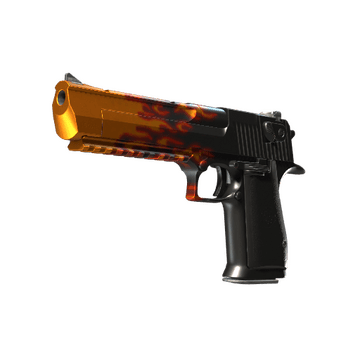
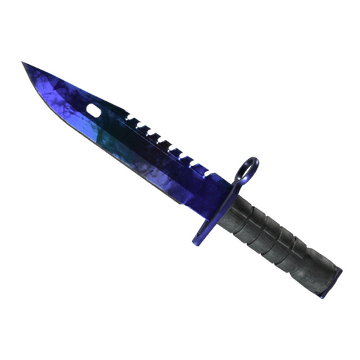
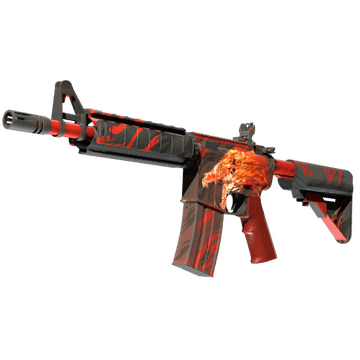
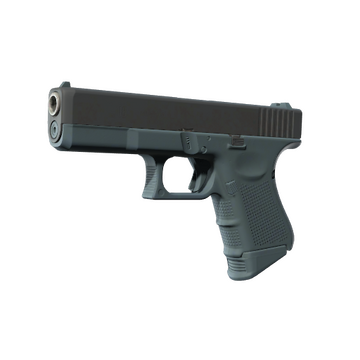
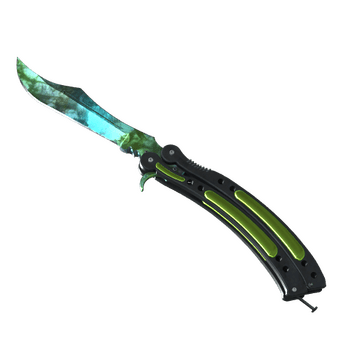
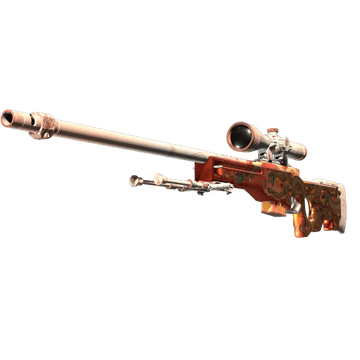
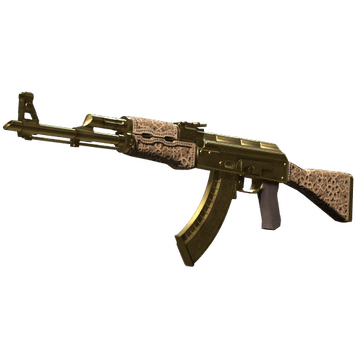
A flamboyant player chooses equally flamboyant skins. Twistzz has a rich inventory, filled with expensive weapon skins, knives, and gloves. He has perhaps all the iconic CS skins, especially the M4A4 | Howl. Twistzz has skins with bright accents, and minimalist options. His knives feature expensive, rare finishes, including Gamma Doppler, Doppler, Fade, and Marble Fade. His love of the Printstream collection and fire-themed skins and stickers is also worthy of praise. If you want to buy CS2 skins like Twistzz's, you can do so on Steam market or another marketplace, such as Hellcase, where there's a wide selection of items, often at discounts. Twistzz CS2 skins are a story of a player's development that accurately reflects his mood and style.
Teammates
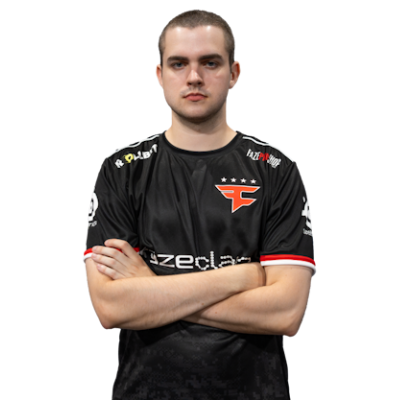

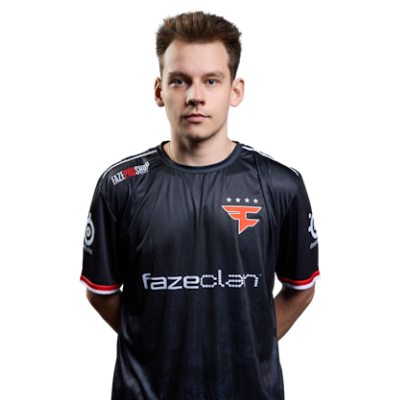
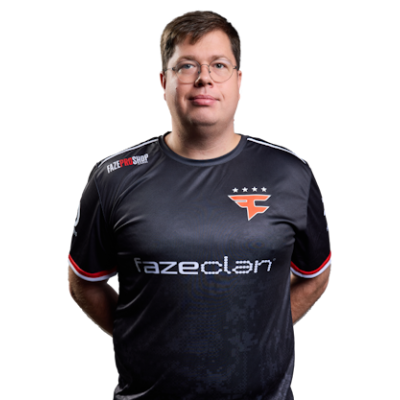

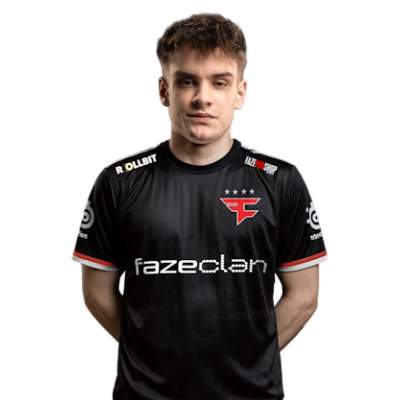
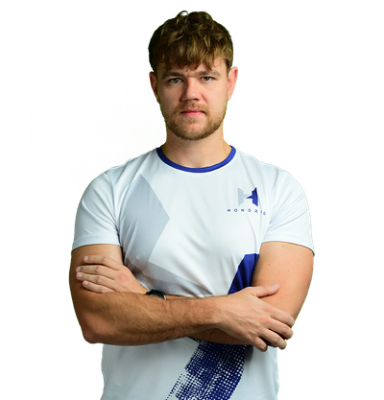
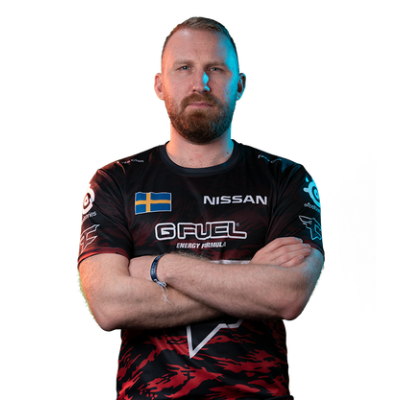
Twistzz Playstyle & Role
Twistzz's playstyle analysis is very interesting, as he's been in the professional scene for over nine years. Twistzz plays the rifler position. However, there have been periods in his career when his style was considered versatile. Twistzz could play as a support player, an aggressive player, or even a clutch player.The key features of his playstyle include excellent mechanics and precision. Twistzz is adept at performing quick flicks, controlling recoil, and winning duels. He remains flexible, switching between aggression and passivity as needed by his team. Russel knows how to act in critical game situations and has repeatedly proven this in practice. This is, of course, the result of hours of practice and sharing experiences with other players.
Achievements & Career Highlights
Russel Van Dulken is a well-known professional Counter-Strike player from Canada, with numerous titles and a long history in the shooter. His esports career began in 2015, but the peak of his achievements to date occurred during his time with Team Liquid (2017-2020). During this period, he and the team achieved numerous tournament victories. Among Twistzz's most notable achievements are victories at ESL One Cologne 2019, IEM Sydney 2019, DreamHack Masters Dallas 2019, and the ESL Pro League Season 9 Finals. Furthermore, as a member of this team, Russel became the first North American player to qualify for the Intel Grand Slam Season 2.His career has been no less illustrious since then. In 2021, the player joined FaZe Clan, with whom he won the Major title at PGL Major Antwerp 2022. He also achieved success at IEM Katowice 2022, IEM Cologne 2022, ESL Pro League Season 15, and Intel Grand Slam Season 4. Throughout his playing career, he has made the HLTV rankings multiple times (9th in 2019, 17th in 2021, 11th in 2022, and 20th in 2023).
Current and Past Teams
Counter-Strike: Global Offensive2015 – Tectonic 2015 – 2016 SapphireKelownaDotCom 2016 – Team AGG 2016 – KKona 2016 – 2017 Team SoloMid 2017 – Misfits Gaming 2017 – 2020 Team Liquid 2020 – 2021 Team Liquid(Inactive) 2021 – 2023 FaZe ClanCounter-Strike 22023 – 2025 Team Liquid 2025 – now FaZe ClanTwistzz began his CS:GO career with North American teams like Tectonic and Team AGG. However, he truly blossomed with Team Liquid, which he joined in 2017. It seems that he decided to show everything that he learned in the past. He was a key player for the team, distinguished by his high level of shooting and composure under pressure. He won numerous tournaments with the team, the most significant achievement being the team's victory at the Intel Grand Slam Season 2, which earned them $1 million in prize money.In 2021, Russel moved to FaZe Clan, where he refined his playstyle, gained even more experience, and showcased his skills. With the team, Twistzz won the PGL Major Antwerp 2022. This event earned him the title of the first Canadian in CS to win a Major. With the same team, Twistzz also earned the title of a player who has won the Grand Slam twice, albeit with different teams.You can learn more about the top CS2 pro players' settings and gear on CS2Crosshair.com.
FAQ
What resolution does Twistzz use?
Canadian player Russel Van Dulken uses a 1280x960 resolution in a stretched format.
What sensitivity does Twistzz play on?
Twistzz's eDPI is 680.00.
Should beginners copy Twistzz settings?
Most of Twistzz's settings are suitable for beginners, but it is recommended to customize them to suit your needs and playing style.