

Crosshair Settings
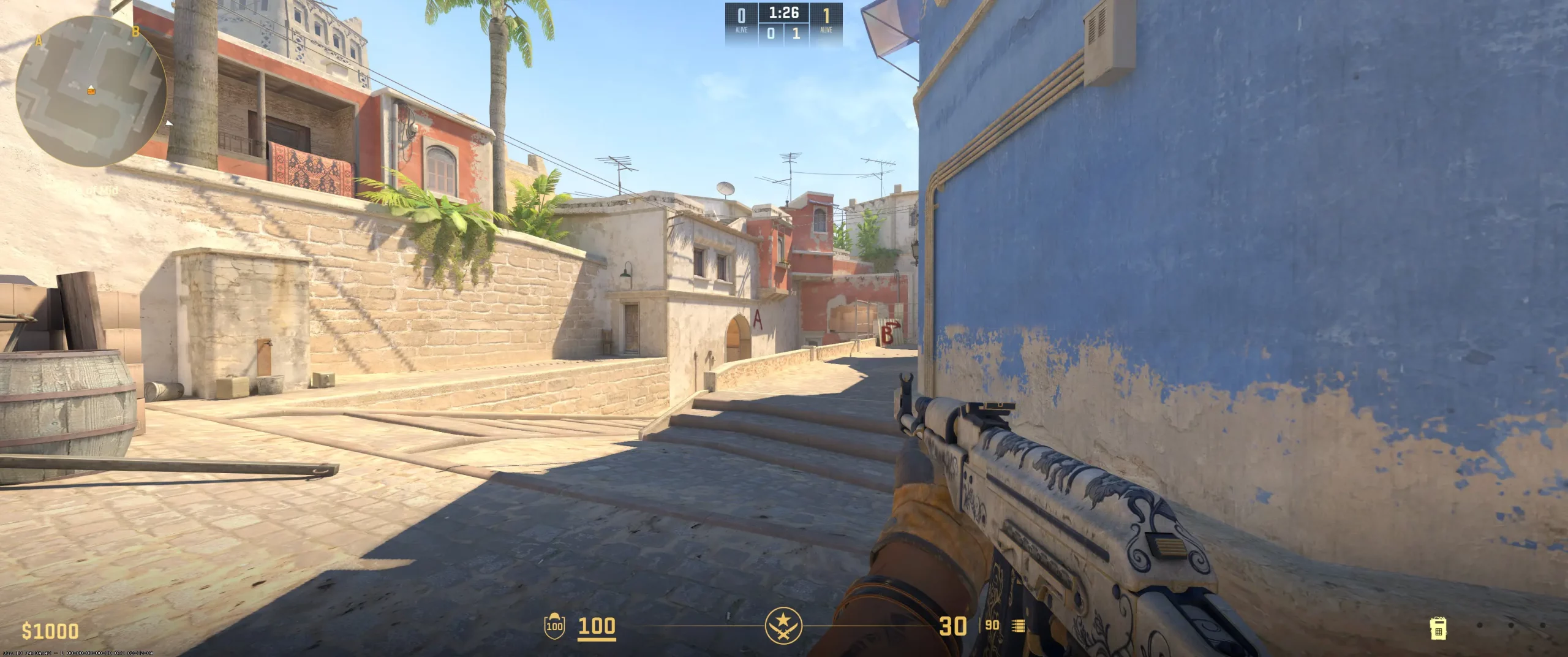
The frozen crosshair code (CSGO-HKoUe-pqHsM-H8Xoe-icAth-aubJD) uses the classic crosshair style, colored in cyan. For him, this provides optimal visibility on most maps. He keeps his gap at -3.7, bringing the crosshair segments closer together. This leads to lining up shots faster when it comes to accurate shots. However, this may cause some difficulties for beginners. So, you may want to test what works best for you.
His crosshairs have a thickness of 1 without an outline. Some players believe the outline helps to enhance contrast, while others tend to think it gets in the way. Frozen likely uses this setup to enhance his precision. It’s set up to reinforce consistent flicks and help reduce overcorrecting, which is geared towards his aggressive yet calculated playstyle.
Crosshair settings are rather personal and connected to specific play styles, so you’ll want to play around with what works best. Test it out by copying the frozen crosshair settings.
CSGO-HKoUe-pqHsM-H8Xoe-icAth-aubJD
Video Settings
The frozen video settings use monitor settings of a 1920×1080 resolution with a 16:9 aspect ratio. This helps balance clear visuals with high frame rates. It’s pretty much essential for any competitive player. His brightness is set at 100%, helping visibility on darker parts of the map without losing much color. Nvidia Reflex is enabled to help reduce latency. This helps keep things smooth when the action really picks up. With shadows set to low and 4X MSAA, frozen maintains maximum FPS while trying to minimize distractions. However, this may also make enemy positions harder to spot in certain scenarios. As you can see, frozen tries to prioritize smoothness and clarity, which really helps with his quick reactions and game awareness. Test them out for yourself. If they don’t work, you can always look up the best CS2 graphics settings.
Viewmodel Settings
viewmodel_fov 68; viewmodel_offset_x 2.5; viewmodel_offset_y 0; viewmodel_offset_z -1.5; viewmodel_presetpos 3;
HUD Settings
Frozen often plays with a reduced HUD scale of 0.90. This reduces the size of the HUD and helps him better focus on more important game info. The HUD color is set to green, slightly boosting clarity while reducing eye strain. Beginners should take note of this as it is extremely helpful during long sessions.
He keeps his radar zoomed at 0.4 to get a tighter view of what’s going on in his vicinity. This may be challenging for beginners as it reduces the overall view of what’s happening on the map, but not by much.
Like many pros, frozen keeps the radar rotating. It’s simply easier to understand the direction of everything that is happening without giving it much thought.
The frozen radar settings may work for you. There’s only one way to find out: test them. If you find that some important pieces of information are hard to see or aren’t visible at all, try looking up other CS2 competitive radar setups.
Radar Settings
Launch Options
What happens on the screen is just as important as what’s happening behind the scenes. That’s why you should check out the frozen config download. He runs his CS2 client at a high refresh rate of 360 Hz. This helps take full advantage of his monitor. Here are a few of his other launch configs: novid: Cuts out intros to save time at launch. high: Gives CS2 process priority to boost frame consistency. tickrate: Set to 128 to help with smoothness. threads: Set to focus on CPU cores for higher performance. The launch options and config settings help maximize FPS, minimize lag, and speed up hopping into each match. If you want to copy these settings, it’s important to first check if your gaming setup can support the load. If not, you can always browse through a list of CS2 launch options and find something better suited.
-freq 360 +rate 786432 +fps_max 500 -tickrate 128
Config Settings

Skins
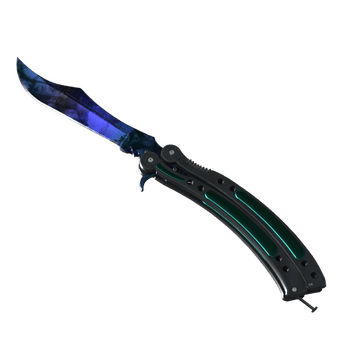
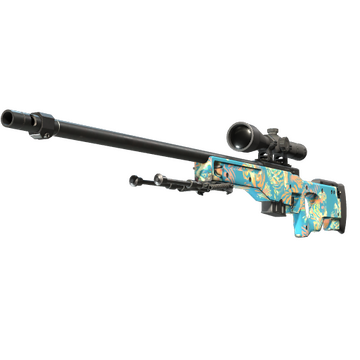
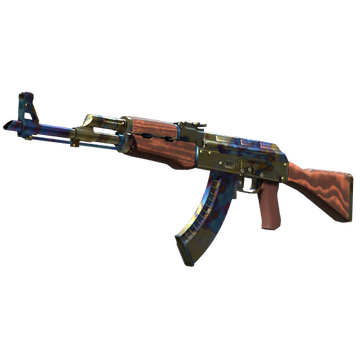
Frozen’s CS2 skin choice really says a lot about him. And of course, like most pros, feature some of the most sought-after skins in the game. Most of his skins feature bold and aggressive designs, matching his play style perfectly. Here’s a quick look at three of the frozen CS2 skins:
AWP | Silk Tiger: A majestic design that mixes elegance and precision, a perfect reflection of clutch plays.
Butterfly Knife | Doppler Phase 2: A sleek and aggressive design, considered one of the best knives. The Doppler Phase 2 is rarely owned by beginners, unless they have a massive budget.
AK-47 | Case Hardened: symbolizes strength, much like what frozen brings to his team.
Frozen’s skin choices likely help instill a sense of psychological confidence. So, there may be some sort of advantage to using skins that symbolize certain things. However, you’ll need to understand that if you want to buy CS2 skins like frozen, you’ll need to spend a lot of money. It’s best to focus on improving your gameplay by playing around with your settings. And, frozen’s settings are a good place to start.
Teammates
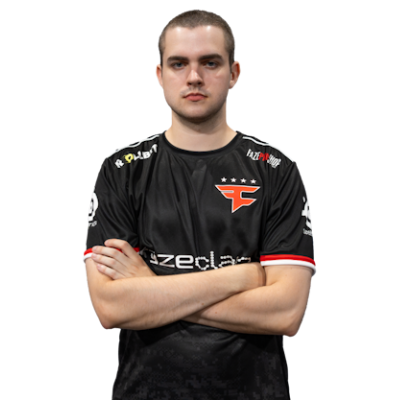

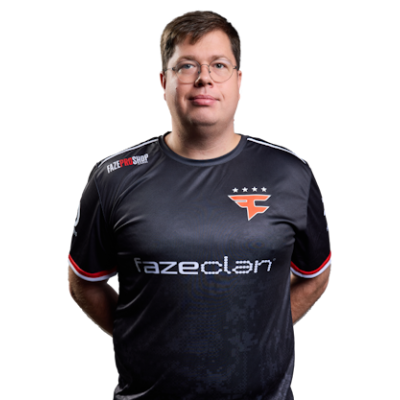

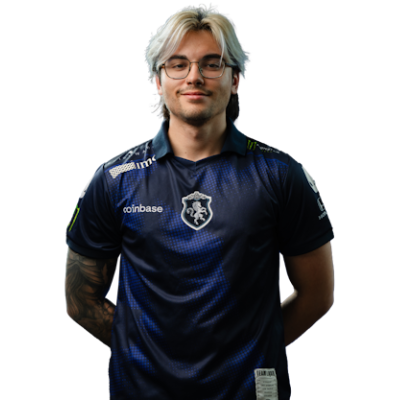

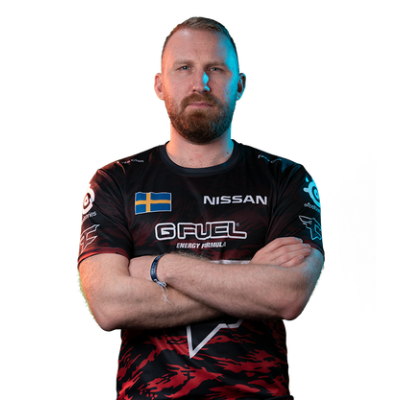
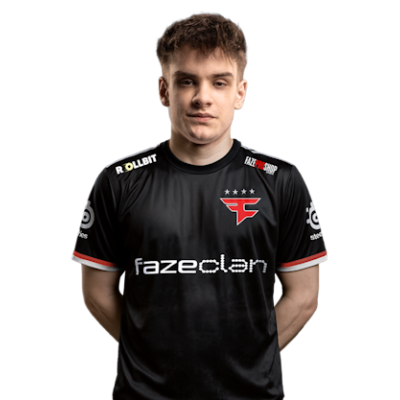
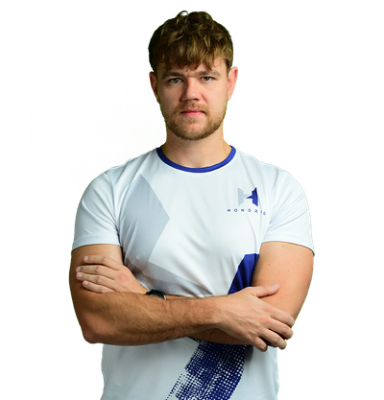
frozen Playstyle & Role
In 2024, out of all of the players in the world, frozen was ranked the 10th overall best player. That’s no easy feat. In fact, it was his seamless transitions between aggressive entry fragger and clutch executions as a rifler that led to frozen making his mark in the CS2 scene. He has an odd ability to stay calm and exhibit patience while remaining aggressive. This allows him to enter into well-time gunfights, yet do so in an aggressive manner. Frozen is known for his refined crosshair placement defined by mico-adjusted flicks. He’s not one to wildly aim swing. This is reflected by the settings he uses, sticking with lower sensitivity and tighter, dotless crosshairs. His innate ability to read opponents and adapt is likely the reason behind his aggressive timing. Frozen’s play style is a perfect mixture of aggression, patience, and timing. His ability to stay calm during intense gameplay ties it all together, resulting in a clutch player that has become a major part of FaZe. Though it’s tough to mimic his playstyle, players search for and are often amazed by how frozen plays and the countless websites that talk about the frozen playstyle analysis. You can try to copy it. However, don’t get upset when you discover frozen is one of the best players in the world for a reason.
Achievements & Career Highlights
Being one of the best players in the world doesn’t come with a short list of achievements and career highlights. In fact, Frozen achievements and the trophies of frozen include the following: IEM Chengdu 2024 ESL One Road to Rio 2020 ICE Challenge 2020 ESL Pro League Season 18 CS:GO Asia Championships 2019 Along with the trophies, fame, and recognition comes money. Frozen has amassed almost $750k in career winnings. Not to mention the money he’s made from sponsorships, salaries, and other unnamed ventures, one would expect no less when you look at his winning record, impeccable aim, and the ability to stay calm while being aggressive. There aren’t many players like frozen. In fact, expect the rest of 2025 and 2026 to be even greater.
Current and Past Teams
There’s no doubt that there are many teams waiting for frozen to finally decide to move on to a new team. So, what team does frozen currently play for? Well, at the moment, it’s FaZe. The fact is, only a few teams have ever been lucky enough to have him on their roster. Here’s a brief history of frozen teams:MOUZ (2019–2023) GUNRUNNERS (2018-2019) eXtatus (2017–2018) The fact that frozen has only ever played for 3 professional teams highlights his dedication, not only to Counter Strike but to his team and teammates. There haven’t been many players like frozen. And something tells us there won’t be many more like him either. Explore more CS2 pro player settings and crosshairs on CS2Crosshair.com
FAQ
What resolution does frozen use?
His Zowie XL2546 monitor is set with a resolution of 1920x1080 and a 16:9 aspect ratio.
What sensitivity does frozen play on?
Frozen plays with a sensitivity of 1.2 and a DPI of 400.
Should beginners copy frozen’s settings?
It’s definitely a good place to start. However, you have to keep in mind that these settings belong to one of the best players in CS2. You’ll have to adjust them to your playstyle as well as the hardware you use.