

Crosshair Settings
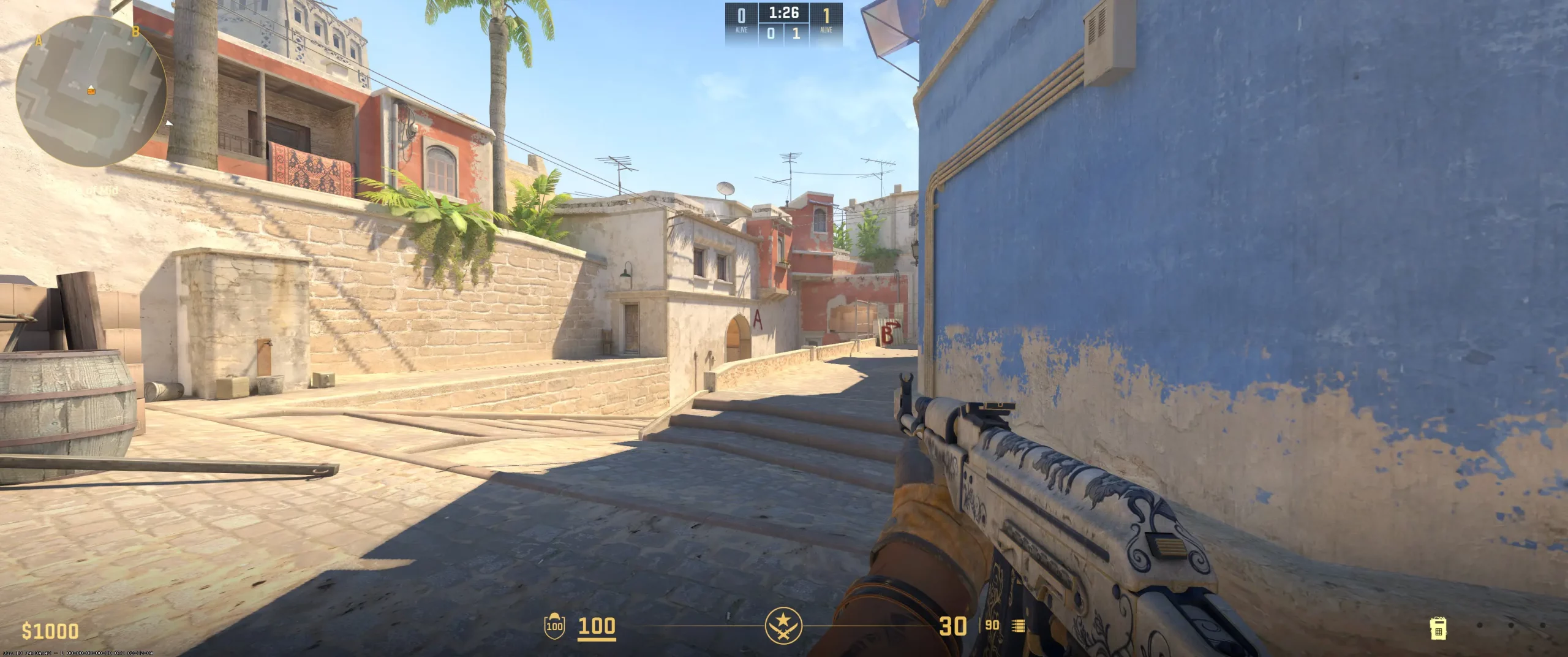
Sh1ro is known for using a classic static crosshair that is clean, small, and easy to follow during fights. His crosshair color is usually white, which has a tight negative gap, no outline, and a thin shape that stays still during movement. This setup keeps his aim point centered and helps him focus on head level without distractions. A simple crosshair like this improves aim discipline, which makes it easier to line up precise shots when holding narrow AWP angles or tapping with rifles.
The biggest advantage of this setup is how consistent it feels, there’s no bloom or shake when you move or shoot. That’s why many players who study his gameplay choose to copy sh1ro crosshair to improve their own focus and accuracy. If you want the same clear, steady aim style, you can find and import sh1ro crosshair code to match his exact look in CS2.
CSGO-Zbmp3-4kqXu-2DPfH-QvFVv-QomHB
Video Settings
The sh1ro video settings are optimized for visibility and steady performance during the games. The 1280x960 resolution in a 4:3 stretched format lets him notice enemy movement faster and react more accurately in close fights. This resolution helps maintain smoother and more consistent frame rates, which makes fast gameplay easier to control.This balance provides better visibility in dark areas and maintains accurate color. Shadows and anti-aliasing are set to make important visuals like player outlines and movement easy to see. Players who aim for the best CS2 graphics settings can use sh1ro's video settings as a starting point and fine-tune small values to fit their PC setup and their comfort level in the game.
Viewmodel Settings
viewmodel_fov 68; viewmodel_offset_x 2.5; viewmodel_offset_y 1; viewmodel_offset_z -2; viewmodel_presetpos 1;
HUD Settings
A well-tuned radar and HUD setup can make a major difference in how quickly a player reacts and processes information during intense moments. This configuration keeps every key element visible while leaving enough room for focus on the main screen. The radar is centered on the player and rotates in real time, which helps follow movements across the map and predict rotations faster. The low zoom level of 0.25 expands visibility, which allows an overview of both allies and potential enemy positions.
The green HUD color provides easy contrast on most maps, so health, ammo, and round status are always clear at a glance. The scale set to 1 keeps every element easy to read in quick situations. These adjustments improve awareness in clutch rounds, where timing and positioning matter most. If you are looking for an effective CS2 competitive radar setup, use this layout as a guide and explore the sh1ro radar settings for consistent map awareness.
Radar Settings
Launch Options
These commands aim for quicker startup, higher frame rates, and lower input delay. The -novid command removes the intro video, so the game loads right away. The -freq 240 command sets the refresh rate to 240 Hz, which maintains visual stability during fast gameplay. The -tickrate 128 command sets a higher server update rate for local matches and practice maps, so weapon fire and movement stay accurate.The +fps_max 301 limit keeps frames consistent and prevents drops during heavy action. The console command opens access to in-game settings right after launch. The +cl_interp_ratio 2 adjustment helps shot registration stay reliable during fast rounds. These CS2 launch options pro provide steady gameplay, quick startup, and less delay between your movement and the matches. If you want consistent results, you can test the sh1ro config download as a base setup for competitive play.
-novid -freq 240 -tickrate 128 +fps_max 301 -console +cl_interp_ratio 2
Config Settings

Skins
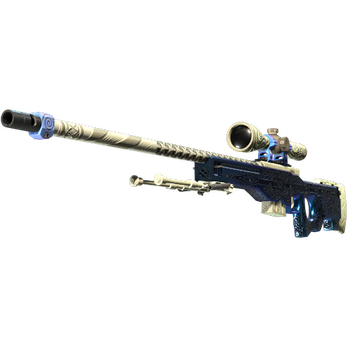
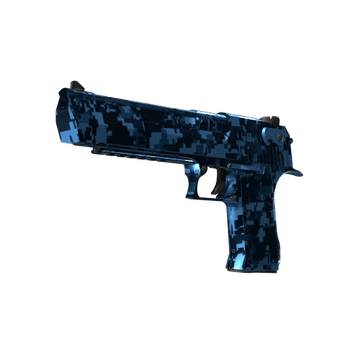
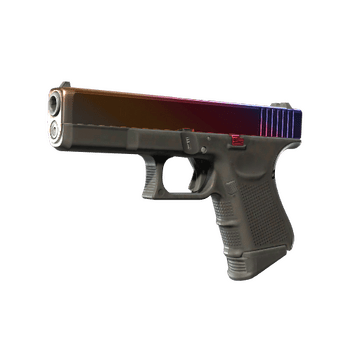
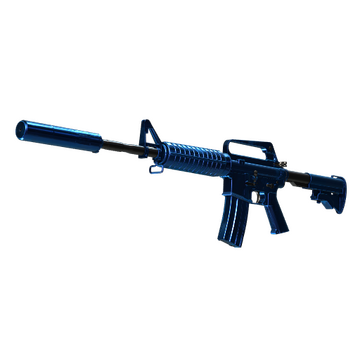
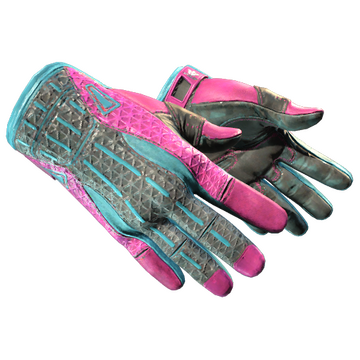
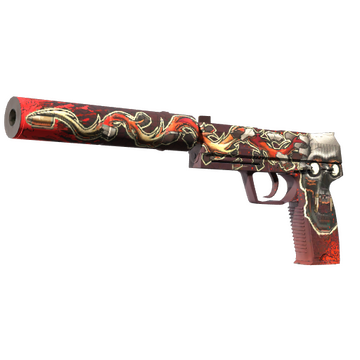

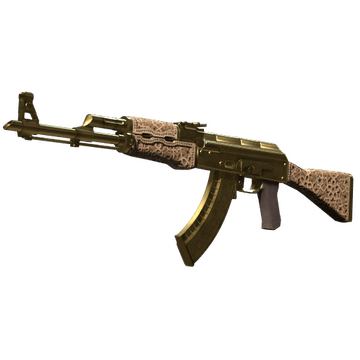
The sh1ro CS2 skins mirror his calm confidence and methodical playstyle. His inventory shows a clear sense of balance, combining rare and valuable finishes with a preference for clean, luxury designs. Gold and blue colors mixed with metal tones fit his balanced style and confidence when the game gets tense.
The sh1ro inventory looks well-organized, with each skin chosen to fit his careful, focused approach. Fans like how his skin collection matches his playstyle, like calm, accurate, and confident in clutch rounds. You can buy CS2 skins like sh1ro on trusted marketplaces like Hellcase and build a loadout that shows focus and confidence in every match.
Teammates
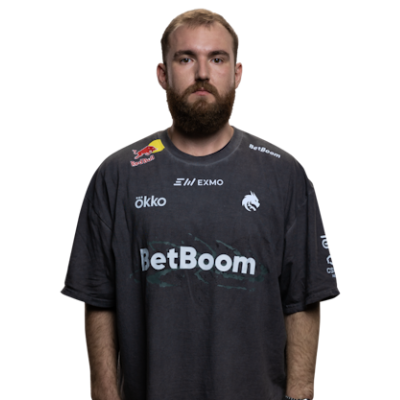

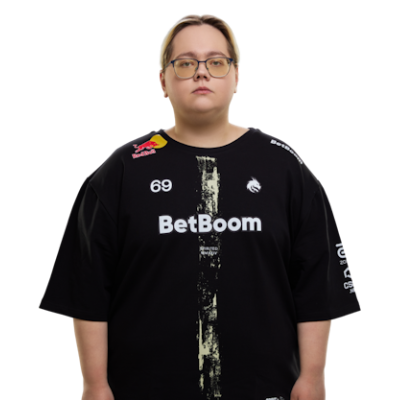
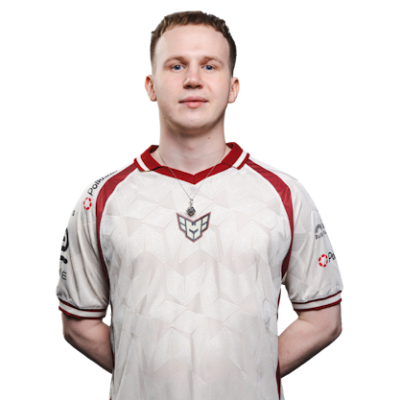
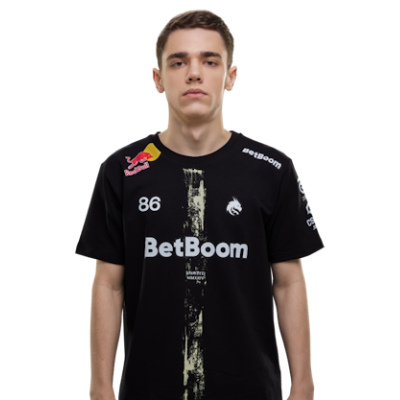
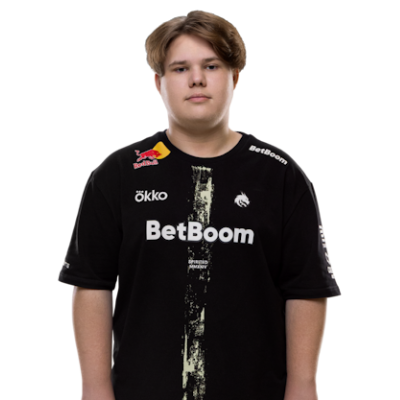
sh1ro Playstyle & Role
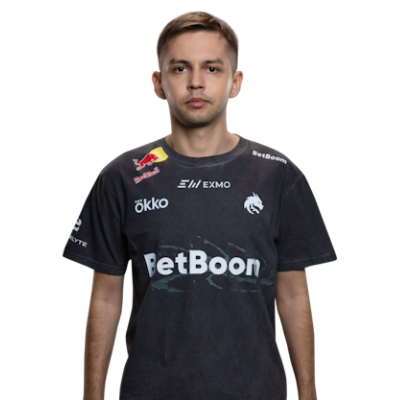
Sh1ro plays as the primary AWPer. His style centers on discipline, angle control, and clutch poise. In early fights, he looks for the opener from key angles, then retreats to safer ground as info grows. During closing rounds, he listens for cues, waits for a chance, and finishes the play with precise aim. On the T side, he follows the entry pair, trades fast, and holds the next choke to block rotations. On CT, he covers main lanes, moves after contact, and saves utility for retakes. This is the core of how sh1ro plays in tier-one matches.A big part of this method is pace control. He rarely forces duels. Instead, he wins small positioning edges and turns them into round wins. Clutch examples show this clearly: hold the tight line, bait a step, scope once, reposition a few feet, and punish the second swing. When rifling, the same approach applies through careful jiggle timing, pre-aimed head height, and short bursts.His setup supports this identity. Low eDPI helps with small aim fixes on tight angles, so scoped shots feel smooth and you don’t flick past your target. A compact static crosshair keeps the center clear for tap-to-flick shots. The viewmodel sits low and to the right, which clears space on the screen and helps you see more around your crosshair. Stretched 4:3 at a lower resolution raises FPS and keeps attention near the middle of the screen, which fits a hold-and-punish plan. Taken together, these choices align settings with habits, and that is the key insight in any sh1ro playstyle analysis.
Achievements & Career Highlights
Dmitry “sh1ro” Sokolov first played for regional teams, developed his skills with Gambit Youngsters, and became part of the main Gambit roster in 2020. The 2021 season defined early sh1ro achievements with MVP medals at IEM Katowice, V4 Future Sports Festival, and Funspark ULTI Finals. A later move to Cloud9 kept him in tier-one contention across big arenas.The CS2 era expanded the trophies of sh1ro with big victories and consistent top finishes. In December 2023, he joined Team Spirit and added top CS2 trophies in 2024, including IEM Katowice 2024, BLAST Premier Spring Final 2024, BetBoom Dacha Belgrade 2024, and the Perfect World CS2 Major Shanghai 2024. These titles proved his strong impact during LAN events and key pressure rounds.HLTV placed him among the best players for several years, ranking him #4 in 2021, #3 in 2022, #8 in 2023, and #6 in 2024. His legacy centers on low-error AWP play, patient angle control, and late-round poise. Young players learn his pace control method, crosshair discipline, and clutch decision-making. From Gambit to Cloud9 to Spirit, sh1ro built a steady AWP style focused on smart, safe plays that help win rounds and keep his team strong through big events.
Current and Past Teams
FLuffy Gangsters (2018) Vyalie Pitoni (2019) Gambit Youngsters (2019 - 2020) Gambit Esports (2020 - 2022) Cloud9 (2022 - 2023) Team Spirit (2023 - Present)His path started with FLuffy Gangsters and Vyalie Pitoni, where he developed confidence and improved his AWP control. At Gambit Youngsters, he refined clutch habits and angle discipline, which led to a promotion to Gambit Esports in 2020. With Gambit, he achieved MVP medals and confirmed his tier-one skill. While at Cloud9, he competed in top events, adding steady impact and clear late-round play. In December 2023, he joined Team Spirit as the primary AWPer and confirmed his value at the highest level.If you wonder which team does sh1ro play for, he currently plays for Team Spirit. The full sh1ro team history includes FLuffy Gangsters, Vyalie Pitoni, Gambit Youngsters, Gambit Esports, Cloud9, and now Team Spirit.Visit CS2Crosshair.com to check CS2 pro settings, review crosshairs, and compare mouse, viewmodel, and video options side by side, then save the version that fits your playstyle.
FAQ
What resolution does sh1ro use?
Sh1ro uses a 1280x960 resolution with a 4:3 aspect ratio.
What sensitivity does sh1ro play on?
Sh1ro uses 800 DPI and 1 in-game sensitivity, which equals an eDPI of 800.00.
Should beginners copy sh1ro settings?
Yes, beginners can start with sh1ro’s settings, but it’s best to make your own small changes. His setup suits his habits and speed, which might not match yours. Try using his crosshair or video settings as a starting point, then adjust your sensitivity and resolution to match your space and grip.