

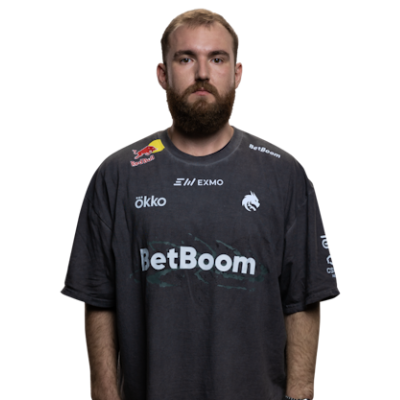
Crosshair Settings
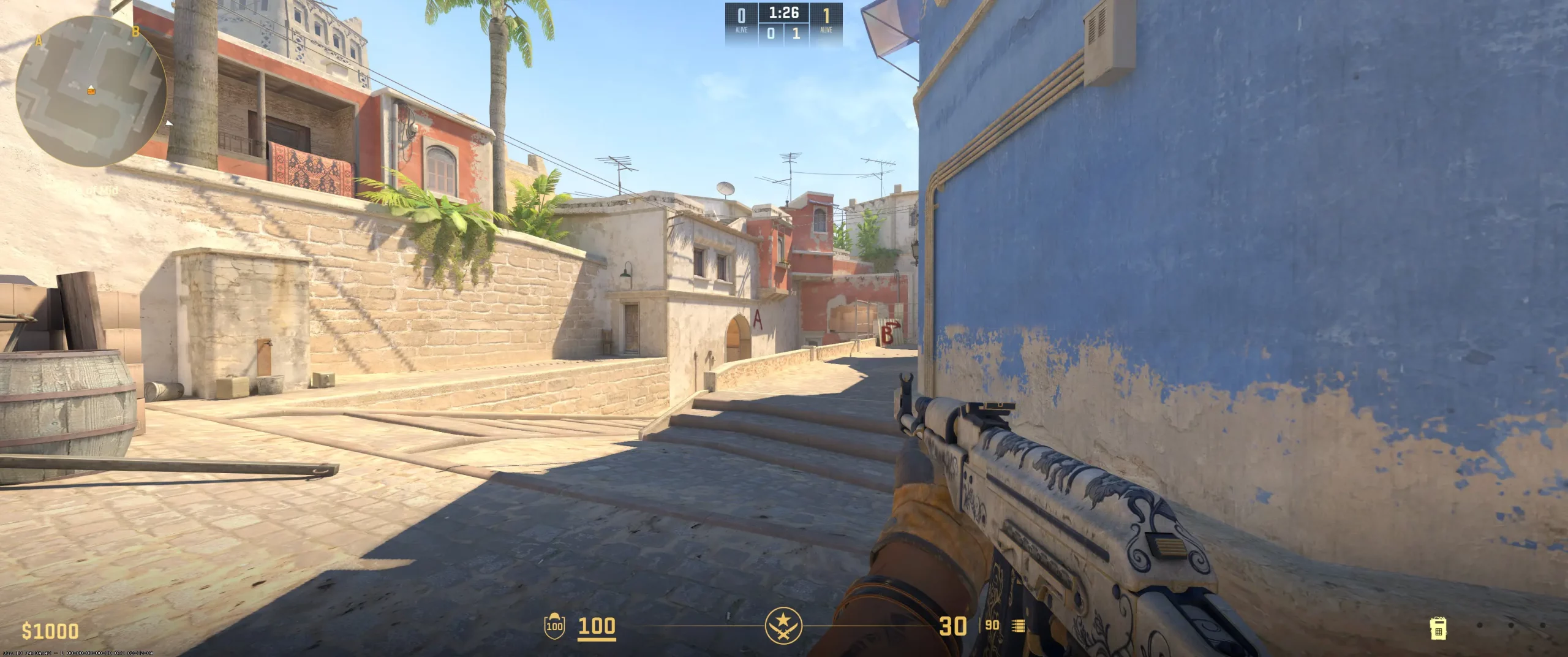
Like most pros, chopper sticks with the classic crosshairs. It’s likely a favorite among pros as it’s simple and favors precision. If you want to check his settings out, just copy the chopper crosshair code (CSGO-OGr5a-GBAXm-dcE2Q-WYJbP-76nQD). The -2 gap brings the crosshairs much closer together, creating a much tighter focal point. This is great for precise shots. However, beginners may find that they overcorrect a bit too much.
To keep the crosshairs as simple and clean as possible, chopper also sets the line thickness to 1 and removes the outline. With the tighter pattern and less visually cluttered crosshair, there really isn’t a need for the dot.
This crosshair setup really complements players who focus on aim discipline with a focus on steady tracking over fast flicks. Beginners may find this an easier way to improve their aim. If you do copy chopper crosshairs setup, make sure you test it out and make any needed adjustments, specifically around the gap.
CSGO-OGr5a-GBAXm-dcE2Q-WYJbP-76nQD
Video Settings
The chopper video settings can easily be copied if you have the correct gear. He plays with a resolution of 1024x768 stretched to a 4:3 aspect ratio. Beginners may not have a monitor that can support those numbers. This helps stretch things horizontally, making opponents appear a bit larger. He plays with a brightness of 89%. This boosts underexposed and washed-out visuals just a bit. Unlike most pros, chopper opts to disable the Nvidia Reflex. Instead, he uses other settings to help reduce latency. He does apply a 4x MSAA anti-aliasing to smooth out the edges of textures without really having an impact on the FPS. To better try to spot enemies in certain positions, chopper sets his shadows to high. This is something beginners should try. Or, at least keep in mind that other players may have their shadows set to high as well. If these settings don’t work for you, be sure to look up the best CS2 graphics settings in the pro CS2 scene.
Viewmodel Settings
viewmodel_fov 68; viewmodel_offset_x 2.3; viewmodel_offset_y 2; viewmodel_offset_z -2; viewmodel_presetpos 3;
HUD Settings
The chopper radar settings focus on boosting situational awareness. And like chopper’s viewmodel settings, it is also focused on minimizing distractions. Chopper minimizes his HUD by setting the scale to 0.905. This opens his screen up just a bit. To make sure he can see everything well, chopper sets the HUD color to white. This color typically stands out well against most backgrounds.
Like most pros, chopper plays with a rotating radar that has a zoom of 0.3. This helps chopper get a decent overview of what’s happening without losing much detail. The rotating radar typically reduces thinking time when it comes to making callouts and quickly understanding where opponents are.
These settings are typical for CS2 competitive radar setups. If you’d like to copy them, you’ll want to keep in mind they are set up for a pro. Beginners may want to adjust them a bit not to lose information on what’s happening in a broader sense on the map.
Radar Settings
Launch Options
Of all of the settings, the chopper config download mirrors most professional settings. To provide ultra-smooth frame updates, chopper sets the -freq to 240. Here’s a quick snapshot of how he sets some of the other config settings: novid: Removes the intro to save time while launching the game. high & threads: At 12, gets better frame consistency by prioritizing CPU resources for CS2. tickrate: Sets offline practice or community servers to 128. nojoy: Reduces background process drag by stripping unnecessary graphical overhead and disabling joystick support. The reason why most pros use these similar, if not exact, settings is that they provide the seamless, responsive experience needed to optimize FPS and reduce input lag. All beginners should try to copy the CS2 launch options pros use.
Does not use any Launch Options
Config Settings

Skins
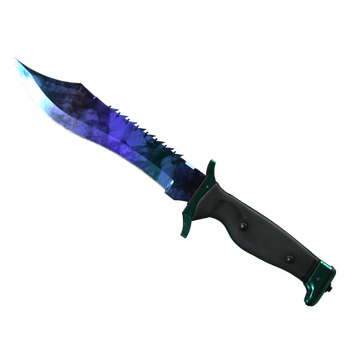
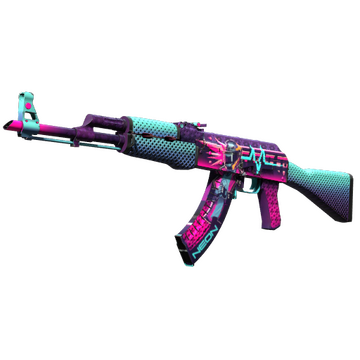
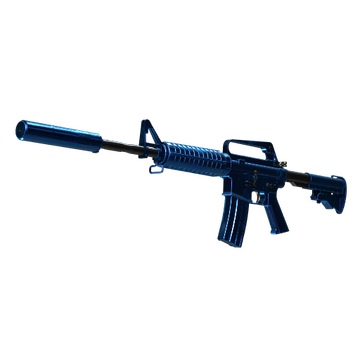
When it comes to the chopper CS2 skins, like most pros, chopper has a very nice range of options in his inventory. Here are some of the skins in the chopper inventory and what they likely say about him as a player:
Bowie Knife | Doppler Sapphire - A vibrant blue knife that carries its own subtleness with it, much like choppers gameplay. He stands out through consistency rather than flashy plays.
AK-47 | Neon Rider - An aggressive design. However, that aggression doesn’t cover the entire skin. It’s both calm and aggressive where it needs to be. This really helps the skin’s design stand out, much like chopper.
M4A1-S | Blue Phosphor - A very polished design. The mix of blues is difficult to notice until you’re really paying attention. Again, much like chopper’s playstyle.
If you’re looking to buy CS2 skins like chopper, expect to pay a premium. Professional CS2 players don’t often play using cheap skins. If those mentioned are too expensive, you can always opt for a more worn version or something similar.
Teammates
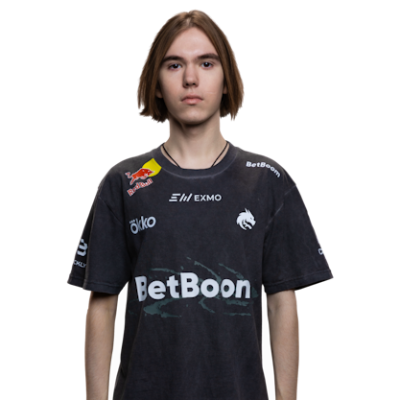
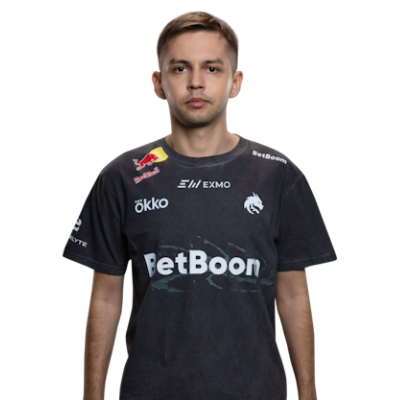
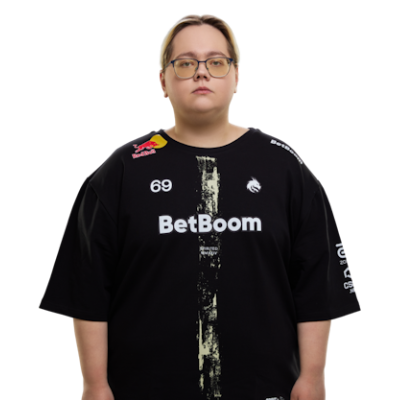
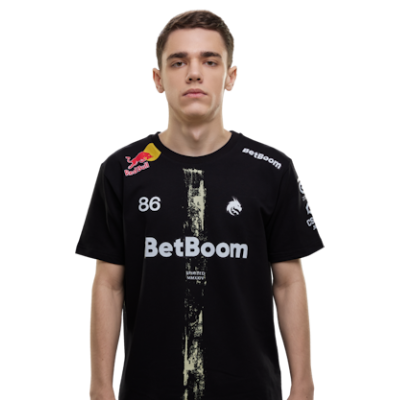
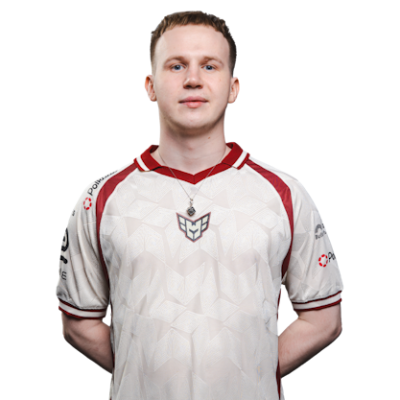
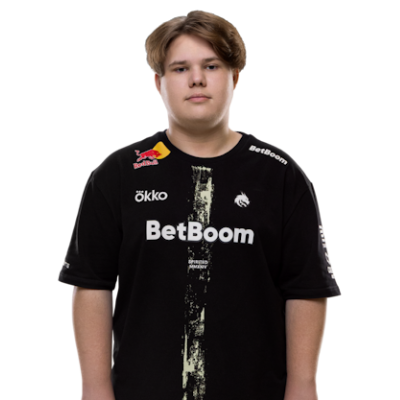
chopper Playstyle & Role
Having such a long, storied career, chopper represents what one would think a pro rifler is. He’s a balanced player who’s adaptable in almost any situation. Chopper doesn’t rush in like an entry fragger or try to only pick off players from long range like an AWPer. He relies on his patience. Mixing that with a decent amount of well-timed aggression. He’s really good at securing map control and creating openings with well-placed utilities. His precision aim helps pick off any opponents that happen to appear in his field of view. And of course, having a 10-year-long, and counting, pro career, chopper is consistent. His playstyle isn’t flashy; it’s all-around solid. His ability to stay calm helps his team overcome any difficult situations and often results in clutch performances. Over the years, how chopper plays has been refined through practice and setting tweaks. If you would like to try to emulate his playstyle, you can start by testing out his settings and reviewing lots of chopper playstyle analysis. You’ll just want to remember that it takes more than studying a player and copying their setting to actually play like them. So, if these settings don’t work for your playstyle, just work on making tweaks to better fit you.
Achievements & Career Highlights
It’s hard to imagine a 10-year veteran as solid as chopper not having a decent list of career highlights. And, as you’d expect, the list of chopper achievements is pretty legit. Here’s a quick look at chopper’s recent wins: Intel Extreme Masters Cologne 2025 BLAST Bounty Spring 2025 PGL Astana 2025 BLAST Bounty Fall 2025 Perfect World Shanghai Major 2024 Throughout his career, chopper has managed to rack up over $1,000,000 in career earnings. This doesn’t include his salary or any sponsorships or partnerships. Somewhere, there’s a place holding the trophies of chopper.
Current and Past Teams
Chopper has played for a few teams over the years. So, which team does chopper play for? Well, currently, chopper plays for Team Spirit. Here’s a look at the teams he showcased his talents on before Spirit.Enso (2015-2015) TEAMSWAGYOLO (2015-2015) Team Quest (2015-2016) Tempest E-Sports, FLuffy Gangsters, Binary Dragons, NokSuKao, ANOX, ALL-IN (2016-2016) Vega Squadron (2016-2019)During 2016 alone, the chopper team consisted of 6 different teams before finally finding a more permanent home on Vega Squadron. There have been many players who are lucky enough to have called chopper a teammate. Be sure to explore more CS2 pro player settings and crosshairs on CS2Crosshair.com.
FAQ
What resolution does chopper use?
Chopper sets his monitor to a 1024x768 stretched resolution and a 4:3 aspect ratio.
What sensitivity does chopper play on?
Chopper plays with his mouse sensitivity at 1.4 with a DPI of 400, resulting in an eDPI of 560.
Should beginners copy chopper’s settings?
Chopper’s settings are definitely a good starting point. However, beginners should remember that these settings are the settings of a 10-year veteran in the CS pro scene. So, test them out and adjust them accordingly.