

Crosshair Settings
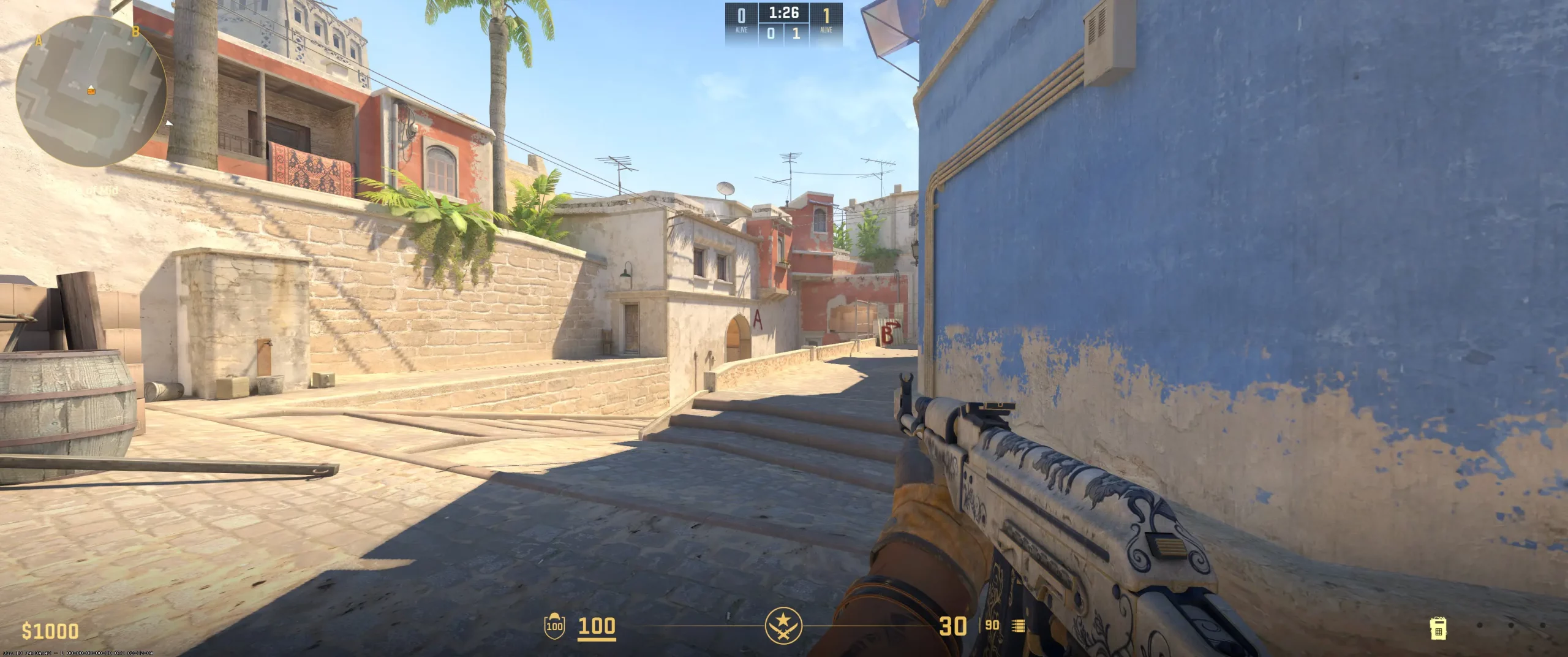
Håvard Nygaard's crosshair style is classic and static. It's the choice of many well-known CS2 players, including rain's teammates. This crosshair remains static while firing and doesn't react to recoil.
Rain chooses a bright cyan crosshair. Most of the map is decorated in warm shades of brown, green, and yellow. This crosshair provides the perfect contrast with the surrounding environment. He sets the length and thickness of the crosshair lines to their minimum values, while keeping the gap between them fairly narrow. Håvard Nygaard's crosshair format is quite compact and ideal for aiming at opponents' heads at various distances.
The Norwegian player has disabled crosshair transparency, as well as unnecessary details like the "Dot" and "Outline." The crosshair remains perfectly visible in all conditions—dark shadows, grenade smoke, and bright surfaces.
Overall, rain's crosshair reflects his years of experience and confidence. The rain crosshair code is perfect for players who already have a feel for recoil and are skilled at firing bursts or single shots. It's worth noting that a crosshair style like the rain's can be challenging for beginners, as it doesn't provide information on bullet spread, but this helps develop precision aiming skills and muscle memory. If you want to try out the settings of a successful Norwegian player, copy the rain crosshair code and paste it into your console.
CSGO-KoKYK-eL4FP-Tj6db-Y9pAt-bciaB
Video Settings
Rain, a Norwegian player with a long gaming history and impressive achievements, has his video settings tailored to provide a horizontally stretched image—the ideal format for accurately aiming at opponents. Håvard prefers fullscreen mode and maximum brightness, which translates into smoother images. Player contrast is enabled, which helps rain better spot opponents. The player also didn't forget about the delays between hand movements and changes on the screen. NVIDIA G-Sync and V-Sync settings are configured correctly. Unnecessary settings for shadows and details are disabled.Maximum FPS in game is set to zero, allowing the player to utilize the full power of the gaming device. Players who want smooth gameplay and to avoid lag are recommended to use the same settings. These are some of the best CS2 graphics settings that will definitely improve your gaming experience.
Viewmodel Settings
viewmodel_fov 60; viewmodel_offset_x -2; viewmodel_offset_y -2; viewmodel_offset_z -2; viewmodel_presetpos 2;
HUD Settings
HUD settings provide players with important information regarding health, armor, grenades, and money, but not all of them are needed for professionals. It's important for an eSports star to receive a minimum of useful information while maintaining focus on the game itself. Rain has everything under control in this regard. His “HUD Scale” is set to 0.95, giving him the necessary space to focus exclusively on the important aspects of the game.
Rain's radar has a standard size, meaning it's large enough to clearly understand the positions of all game participants. Furthermore, Håvard has radar rotation and centering enabled, meaning he can accurately understand the location of opponents relative to himself and always stays centered on the map, allowing him to analyze game situations more effectively.
Rain's zoom is set to 0.7, giving him a wider view of the map. Rain can analyze not only the immediate area but also areas where opponents are located. It can be concluded that Rain's radar settings are optimally tuned to provide him with the most informative map possible. Its selection allows you to analyze potential threat zones, opponents' movement directions, and teammate positioning. This is a CS2 competitive radar setup you can adopt.
Radar Settings
Launch Options
Launch options in CS2 allow players to configure certain settings before launching the shooter. They are aimed at optimizing performance, FPS, and speeding up game loading. Håvard Nygaard uses three commands:-high; -novid; -freq 360.The -high command sets high processor priority for the game. This means Windows gives CS2 more computing resources than other programs. Players use the -novid command to disable Valve's introductory video when launching the game. This command saves players a few seconds when launching the shooter. With the -freq 360 command, the player specifies the screen refresh rate. In the case of rain, this means the shooter launches in 360Hz mode, meaning the monitor refreshes the image 360 times per second.Some players prefer not to use launch options, and that's certainly a valid choice. For example, players donk, NiKo, mezii, and ropz lack such settings. If you want to test the Norwegian player's settings yourself, simply click the rain config download button to access all of the player's settings.
-high -novid -freq 360
Config Settings

Skins
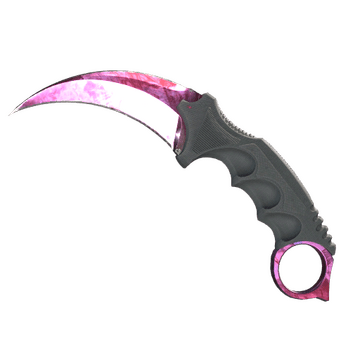
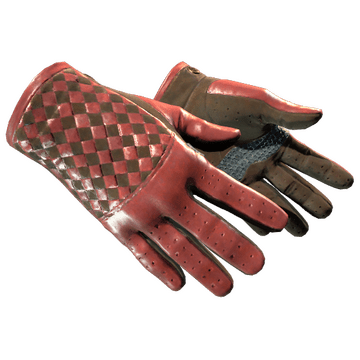
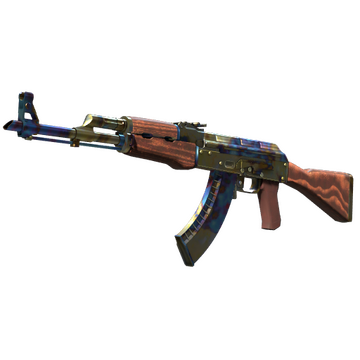
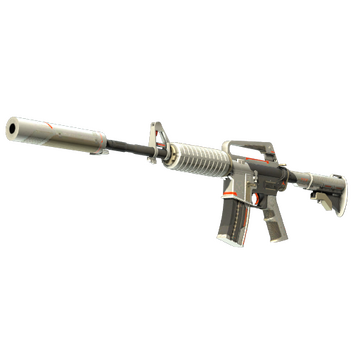
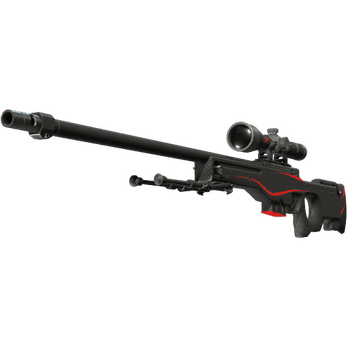
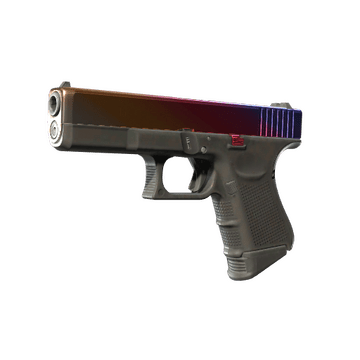
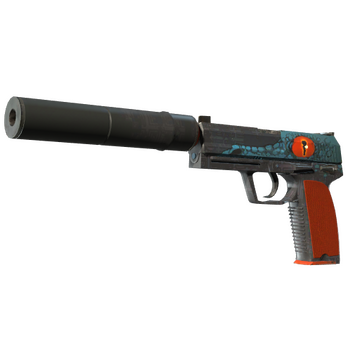
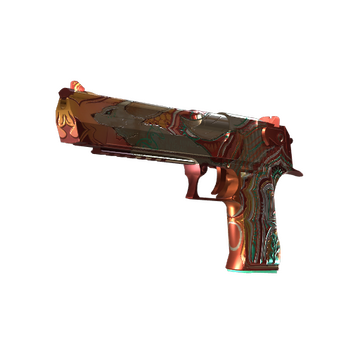
Håvard Nygaard's skin collection is interesting and vibrant. It includes both popular mid-priced skins and expensive iconic items. For example, the Karambit | Doppler in the Ruby edition is noteworthy. Rain has this knife in a Factory New quality. It is one of the most expensive knives in the shooter, costing over $3,000. The aggressive mood of the player is complemented by red skins such as AWP | Redline, Driver Gloves | Crimson Weave, USP-S | Caiman, and others. Rain CS2 skins work well with each other and with stickers. These skins perfectly highlight a passionate character and determination. Rain's inventory is a good example of skin selection that reflects a player's playstyle. You can find and buy CS2 skins like rain’s on the Steam market and various third-party trading platforms, including Hellcase, a platform with a huge selection of skins, attractive discounts, and bonuses.
Teammates
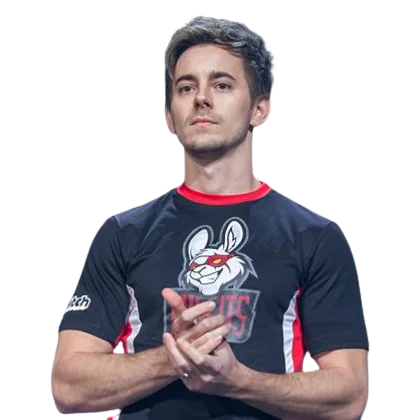 seangares
rain Playstyle & Role
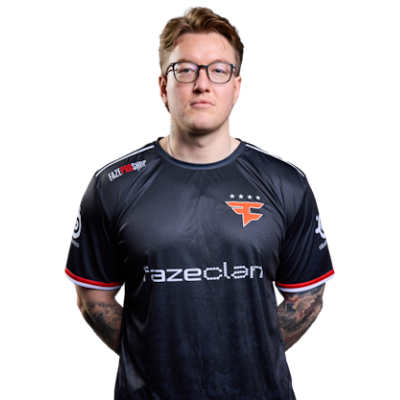
Håvard Nygaard is a player known for his rifler skills. He exhibits a high level of discipline and excellent teamwork skills. His playstyle is characterized by moving into position immediately after an ally, ensuring team control. Throughout his esports career, he has demonstrated adaptability in both attack and defense. This means the Norwegian player can both open up an attack zone and stabilize a situation under high pressure. Rain playstyle analysis confirms his determination on the road to recognition. Håvard Nygaard's strength lies not in his flashy shots but in minimizing team mistakes and providing comprehensive support to his team.
Achievements & Career Highlights
Håvard Nygaard's interest in computer games, particularly CS, began in childhood. His competitive career began in CS:GO and successfully continued in CS2. One of rain's key achievements is victory at the PGL Major Antwerp 2022. It was there that his team (FaZe Clan) won their first Major. Incidentally, this same event also earned the Norwegian player the HLTV MVP title (among others). This award is very significant for him, cementing his status as a successful player. Among rain's other achievements are victories at major ESL, IEM, and BLAST Premier tournaments, including the BLAST Fall Final 2021 and the Intel Grand Slam Season 4 (2023). Rain's trophies are well-deserved. He is one of the most successful CS players. Håvard's total prize pool exceeds $1.6 million.
Current and Past Teams
2013 — 2014 partyastronauts 2014 — 2014 London Conspiracy 2014 — 2014 ClutchIT.org 2014 — 2014 London Conspiracy 2014 — 2015 LGB Esports 2015 — 2015 Team Kinguin 2015 — 2016 G2 Esports 2016 — now FaZe ClanHåvard Nygaard's career began in 2013 with the Norwegian teams partyastronauts and London Conspiracy. He then played for Team Kinguin, which was later acquired by G2 Esports. He gained experience and worked to hone his skills. In 2016, rain transferred to FaZe Clan, where he remains in 2025. Rain's potential was revealed during his time with FaZe Clan. He and the team won the PGL Major Antwerp 2022 and have also achieved several MVPs. Håvard Nygaard's experience and discipline have been instrumental in the team's development and in strengthening its position in esports. Rain's current teammates include broky, jcobbb, frozen, karrigan, and Twistzz.You can learn more about the gear and settings of your favorite CS2 players at CS2Crosshair.com
FAQ
What resolution does rain use?
Håvard Nygaard has the resolution set to 1280x800.
What sensitivity does rain play on?
The Norwegian player from FaZe Clan has his sensitivity set to 0.9.
Should beginners copy rain settings?
CS2 newbies can download the rain player config and test his settings. However, individual playstyles require appropriate settings.