

Crosshair Settings
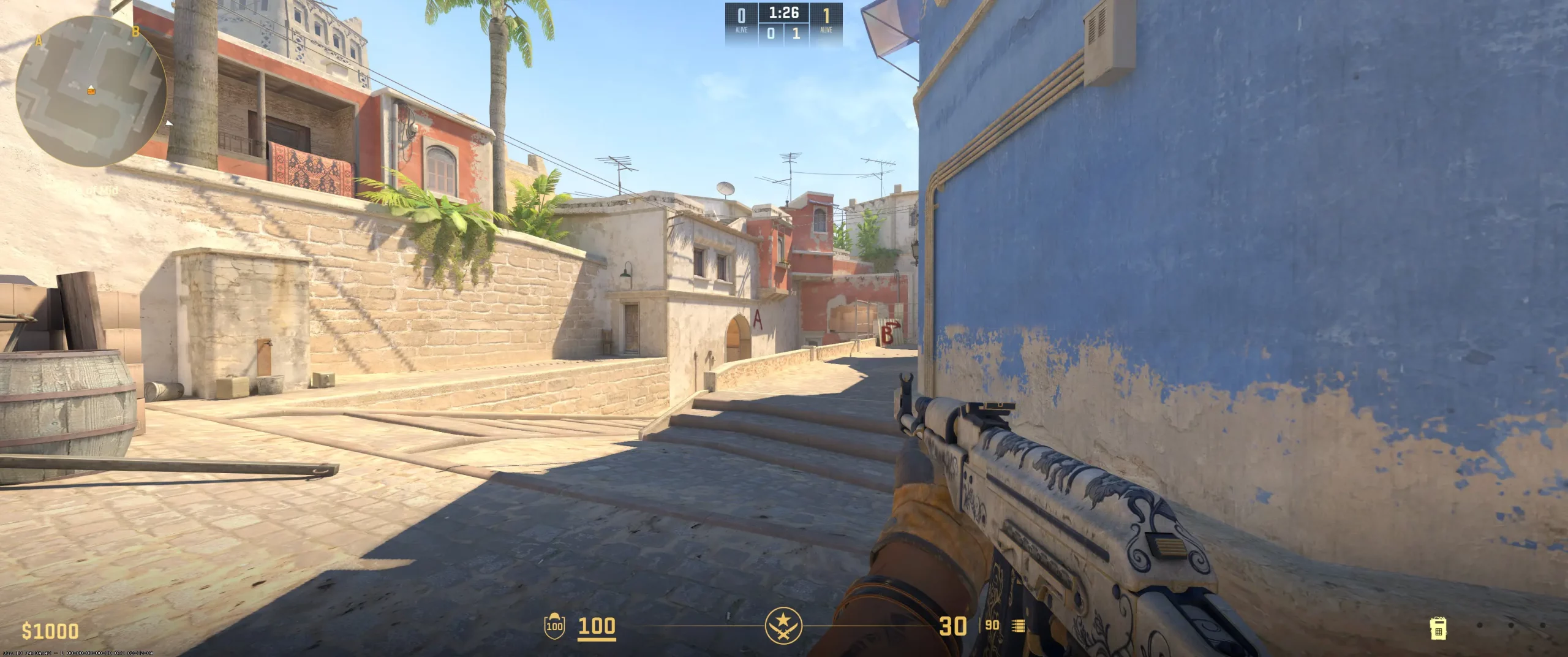
Like most pros, jL chooses to use the classic crosshair style. In fact, if you want to copy it, here’s jL’s crosshair code (CSGO-psrEO-csAfS-mvRKX-DBZLq-JxXsO). He sets the color to cyan, as that is often more visible against many different backgrounds. His crosshairs don’t include a dot with zero crosshair thickness. This creates a minimalistic, distraction-free set of crosshairs that is designed to enhance the precision in his aiming. With a gap of -2.8, the crosshair lines are brought in to form a tighter set of crosshairs and cut back on the visual noise.
With no outline, jL’s crosshairs are as sleek and lean as possible. Beginners may have difficulty with this setup, as the tighter crosshair setup may make aim adjustments a bit more difficult. However, for someone with jL’s skill, it may be useful to copy jL’s crosshair setup. You’ll want to test it out and make any necessary adjustments to fit your style.
CSGO-psrEO-csAfS-mvRKX-DBZLq-JxXsO
Video Settings
JL sets his monitor to a resolution of 1280x1024 with a stretched aspect ratio of 5:4. This slightly helps the players appear a bit larger horizontally on screen, making them easier to hit. Other pro players have similar settings to prioritize visibility and high frame rates. The anti-aliasing is set to 2x MSAA and smooths out any jagged edges just a bit. The NVIDIA Reflex is enabled to reduce system latency. This helps ensure a faster response time between the mouse input and on-screen actions. Setting the brightness to 93% helps improve the contrast between the players and the backgrounds. Additionally, to help reduce clutter, jL sets the shadows to low. This also slightly helps boost the FPS. Though minimal, at jL’s level, every advantage helps. Beginners who want to copy the jL video settings should make sure their gear can support it. If it doesn’t, you can look up some of the other best CS2 graphics settings and give them a try.
Viewmodel Settings
viewmodel_fov 68; viewmodel_offset_x 2.5; viewmodel_offset_y 2.5; viewmodel_offset_z 1.5; viewmodel_presetpos 1;
HUD Settings
JL radar settings see jL playing with a HUD scaled to 1 and set to aqua. This helps most details stand out while reducing the strain on his eyes during extended matches and long training hours. Beginners should take note of this. His radar zoom is set to 0.4 and offers a bit wider view. This balances what is happening right in front of jL without losing too much of what’s going on a bit further away.
Like most pros, jL plays with a rotating radar. This helps him easily understand where everything is happening without giving it much thought. While learning to perfect strategies, beginners may find that it’s more important to have a wider radar view of what’s going on. However, a bit of zoom is very common among CS2 competitive radar setups.
Radar Settings
Launch Options
When it comes to jL’s launch options and config, the gear you use may have an impact on how these settings benefit you. JL uses the following CS2 launch options pro settings: -freq: set to 240 to match the refresh rate of his monitor. -novid: Gets rid of the intro to speed up the launch. -high: CS2 will now have priority for better frame consistency. -tickrate: Has no effect in pro matches. However, set offline practice or community servers to 128. nojoy: Reduces background process drag. Beginners can find jL’s config download online. They may find that his settings don’t work with the gear they play on. However, these settings can be adjusted to better match their setup.
Does not use any Launch Options
Config Settings

Skins
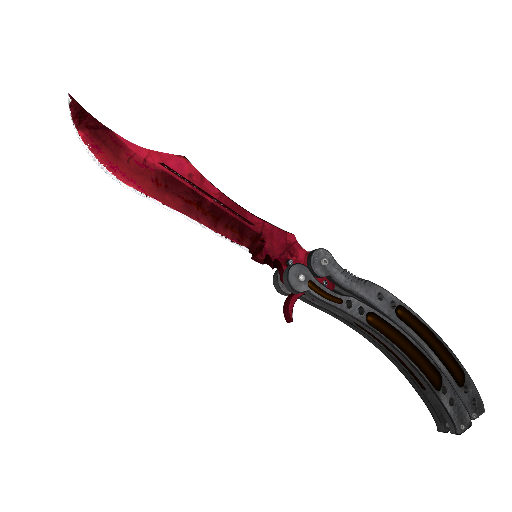
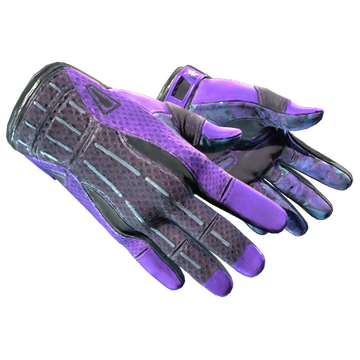
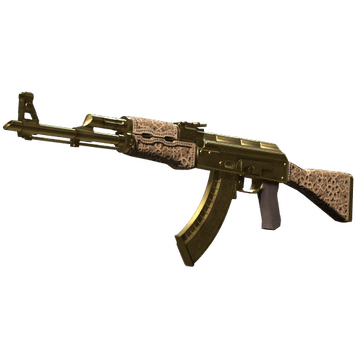
Players who want to buy CS2 skins like jL can expect to pay a large sum of money, as they aren’t cheap. However, though skins can help on the psychological front, it’s better to concentrate on your settings and gameplay.
Teammates



jL Playstyle & Role
As we’ve said, in 2024, jL was ranked as the 5th best CS2 player in the world. Being so highly rated doesn't come with folding under pressure or being inconsistent. A look at any jL playstyle analysis will reveal that jL plays with controlled pressure, relying on his steady aim and recoil control. He rarely uses fast flicks or sprays. Since joining NaVi in 2023, jL has focused on being aggressive yet tactically disciplined. He uses this balance to create crucial mid-round plays and has become a person his team can rely on during clutch moments. He opts to stay calm and rely on his game sense over wildly engaging to obtain high kill counts. His settings represent his precise and calculated play style. Recoil control and precision tracking is crucial to jL. NaVi as well as fans, have come to rely on jL to make plays that help NaVi end up on the podium. Beginners often try to replicate how jL plays. However, they quickly discover that’s easier said than done. A good place to start is by copying jL’s settings, playing a few games, and making any necessary adjustments. Just keep in mind, jL plays on top-notch gear, so your setup may not be perfect for his settings. There’s only one way to find out.
Achievements & Career Highlights
The list of JL achievements is about what you’d expect from one of the top players in the world. Here’s a quick look at some of the tournaments that jL excelled in: 5th-8th at BLAST.tv Austin Major 2025 Legends of Perfect World Shanghai Major 2024 Won PGL CS2 Major Copenhagen 2024 MVP at PGL CS2 Major Copenhagen 2024 Victories at the ESL Pro League Season 20, IEM Rio 2024 Somewhere, there’s a room holding the trophies of jL. JL consistently ranks among the top players in the world. Throughout his career, jL has faced some of the steepest competition out there, and on a regular basis. Any player that can do that and still have jL’s list of achievements is a player that will be forever cemented in Counter-Strike greatness. Both jL’s ability to play at a high level as well as the teams he has played for remain pivotal for any future success he’ll have.
Current and Past Teams
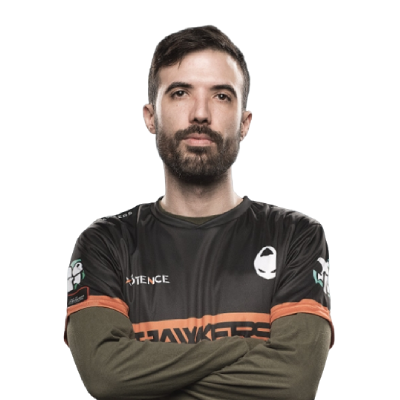
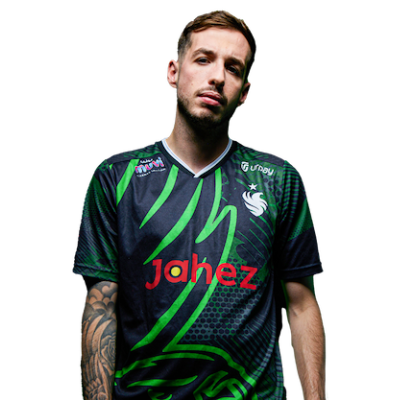
Throughout his career, jL has worked his way up from team to team, each being more prolific than the previous. So, which team does jL play for? Well, as you already know, jL’s team is NaVi, joining them in 2023. Before that jL played for: Apeks (2022-2023) ex-MAD Lions (2022-2022) MAD Lions (2021-2022) Selectah (2020-2020) At the age of 26, jL has the advantage of experience on his side. Fans can expect to be entertained by jL’s nerves of steel and calculated plays as he faces the who’s who of up-and-comers. Stay tuned. And, be sure to explore more CS2 pro player settings and crosshairs on CS2Crosshair.com.
FAQ
What resolution does jL use?
JL plays at a resolution of 1280x1024 with a 5:4 aspect ratio, giving him a balance of visibility and higher FPS.
What sensitivity does jL play on?
He plays at 800 DPI and a sensitivity set of 1. This produces an eDPI of 800 and helps with his precision aim.
Should beginners copy jL’s settings?
It’s definitely a decent place to start. However, jL’s settings rely a lot on the gear he uses as well as the skill he’s cultivated over the years.