

Crosshair Settings
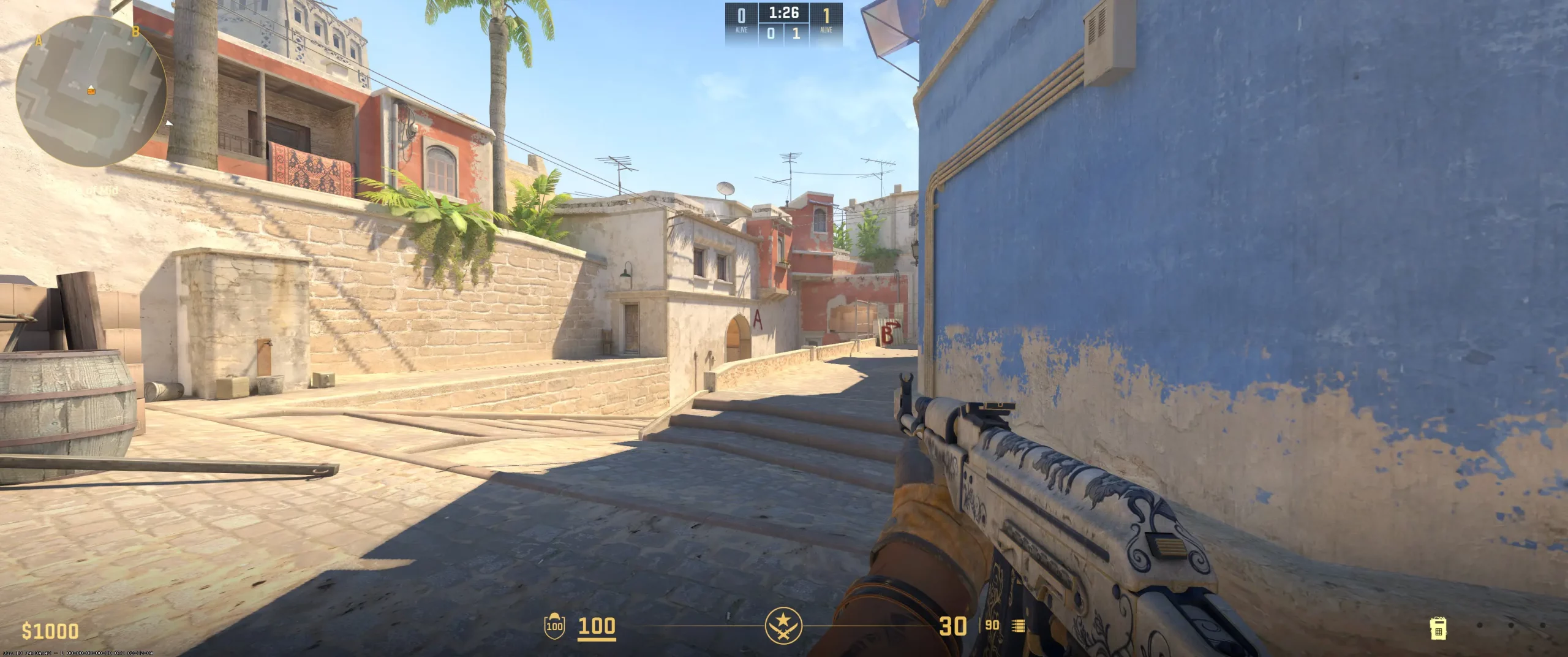
dev1ce uses a configuration with an extremely small and completely opaque crosshair. Additionally, the player chooses to use a static crosshair, which doesn't follow a recoil pattern. It's a popular option on the competitive scene when the player relies on muscle memory rather than visual movement on the screen.
One more essential detail is the use of settings Length (1), Thickness (1), and Gap (-4). With these characteristics, the player gets an extremely small crosshair (a pixel size). It directly affects the amount of available screen space. Also, the crosshair doesn't have a center dot or outline. Lastly, dev1ce chooses Cyan to make his crosshair highly visible on most backgrounds.
These configurations are a perfect choice for players who value headshot accuracy. The size of the crosshair and lack of dynamic movements while shooting force users to learn aim discipline and muscle memory. Copy dev1ce crosshair code and check if these settings suit your role and playstyle.
CSGO-yUBv6-y5b38-fj2sY-ZvyEc-NCmDA
Video Settings
dev1ce video settings are designed for maximum FPS and wide-model visual advantage. For example, the player uses a popular 1280x960 resolution with a 4:3 ratio. In combination with Stretched mode, it makes players' models appear wider, primarily to facilitate target acquisition. With V-Sync disabled and Maximum FPS set to 960, dev1ce maximizes performance and reduces the game's responsibility.The best CS2 graphics settings on the competitive scene usually prioritize enemy visibility and map information. It's possible because Boost Player Contrast is enabled and Global Shadow Quality is set to high quality. Additionally, some optional settings, like Model/Texture Detail, Shader Detail, and Particle Detail, are set to low quality. Using them in low quality helps the player achieve a stable experience with the highest possible FPS, even during battle.
Viewmodel Settings
viewmodel_fov 68; viewmodel_offset_x 2.5; viewmodel_offset_y 0; viewmodel_offset_z -1.5; viewmodel_presetpos 2;
HUD Settings
HUD settings provide players with important information regarding health, armor, grenades, and money, but not all of them are needed for professionals. It's important for an eSports star to receive a minimum of useful information while maintaining focus on the game itself. Rain has everything under control in this regard. His “HUD Scale” is set to 0.95, giving him the necessary space to focus exclusively on the important aspects of the game.
Rain's radar has a standard size, meaning it's large enough to clearly understand the positions of all game participants. Furthermore, Håvard has radar rotation and centering enabled, meaning he can accurately understand the location of opponents relative to himself and always stays centered on the map, allowing him to analyze game situations more effectively.
Rain's zoom is set to 0.7, giving him a wider view of the map. Rain can analyze not only the immediate area but also areas where opponents are located. It can be concluded that Rain's radar settings are optimally tuned to provide him with the most informative map possible. Its selection allows you to analyze potential threat zones, opponents' movement directions, and teammate positioning. This is a CS2 competitive radar setup you can adopt.
Radar Settings
Launch Options
CS2 launch options for pro players contain different commands. The main reason for using them is to improve some details. The most notable example is disabling the intro video to launch the game menu faster. Here is the dev1ce config that you can download and use also:-console -novid +exec myconfig.cfgThe -console command opens the developer console automatically when the game starts. It helps the player immediately begin typing the commands he needs.The -novid command, as already mentioned, speeds up loading the main menu by disabling the intro video.The +exec myconfig.cfg automatically executes the commands listed in a specific file. This is the most essential command dev1ce uses, as it automatically personalizes settings (crosshair, viewmodel) every time the game starts.
-console -novid +exec myconfig.cfg
Config Settings

Skins
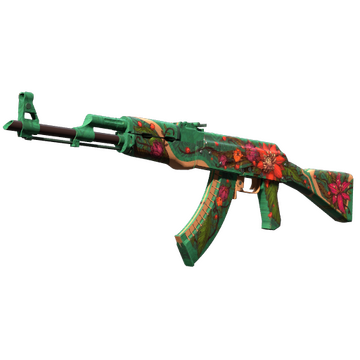
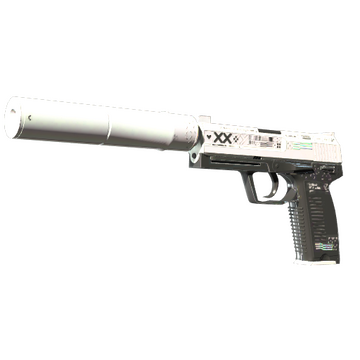
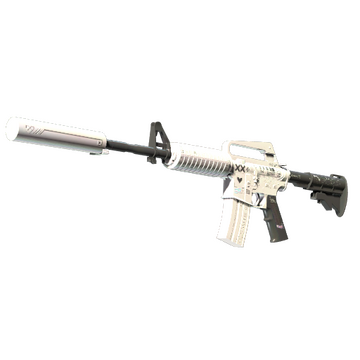
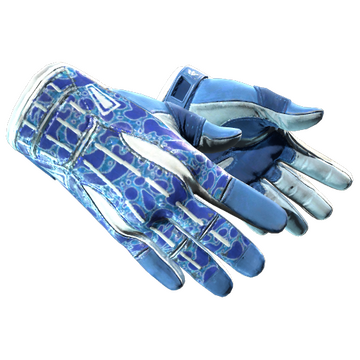
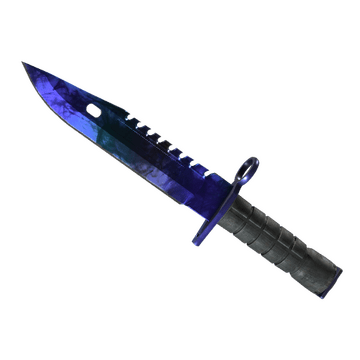
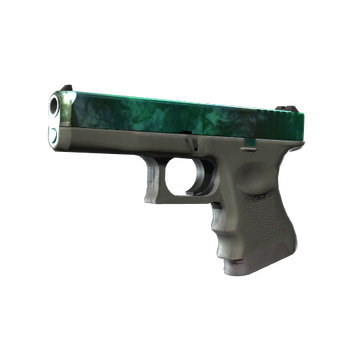
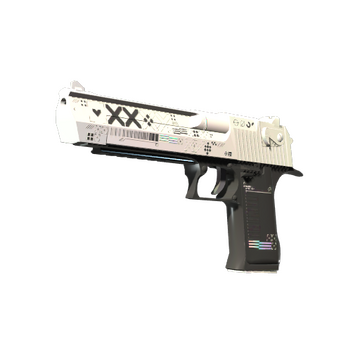
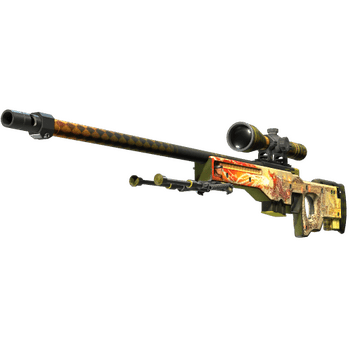
dev1ce CS2 skins contain the iconic, eye-catching finishes. They combine extremely rare designs with a clean, modern aesthetic. For example, dev1ce inventory includes high-value Wild Lotus and Dragon Lore, both of which share a thematic aesthetic. These skins are coveted in the CS2 community and cost a treasure. M9 Bayonet | Doppler Sapphire and Sport Gloves | Amphibious create a perfect knife-glove combination with blue and white. Additionally, there is Glock-18 | Gamma Doppler Emerald, which couldn't be ignored during a match.
Still, the cherry on the cake is the almost complete collection of Printstream skins. dev1ce uses M4A1-S, USP-S, and Desert Eagle with this design, creating an impressive loadout. These skins don't cost a fortune compared to the AWP and AK-47, but are still highly noticeable even during battle. Buy CS2 skins like dev1ce and create your own eye-catching loadout.
Teammates
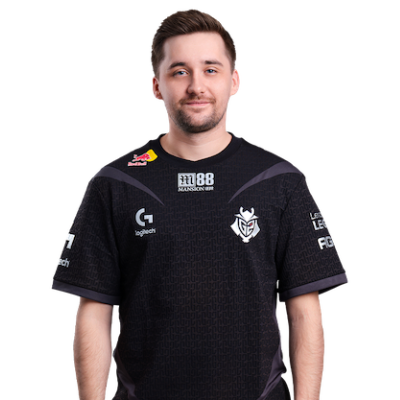
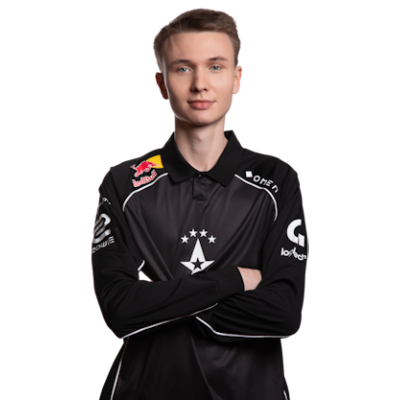
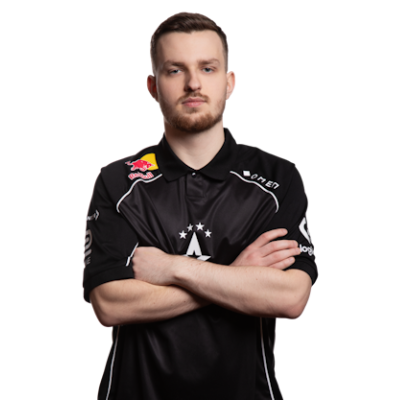
dev1ce Playstyle & Role
The understanding of how dev1ce plays could help players to explore his pro settings. Based on dev1ce playstyle analysis, he is an AWPer and is known for being a strategic player. dev1ce consistently performs at a high individual level, uses precise shots, and smart positioning. Still, his playstyle includes flexibility. Even in rounds when outnumbered, the player shows high skill and can make a clutch.
Achievements & Career Highlights
dev1ce has numerous achievements. Some of them are victories in four major tournaments with his team Astralis with a total prize money of $2.25 million: ELEAGUE Major: Atlanta 2017, FACEIT Major: London 2018 (named MVP), Intel Extreme Masters XIII - Katowice Major 2019, and StarLadder Berlin Major 2019 (named MVP).The trophies of dev1ce feature the HLTV top 5 players for 2015, 2016, 2017, 2018, 2019, and 2020. Moreover, he has 18 MVP awards during his career. In 2018, he set a record, earning 7 MVP awards during the year. In 2020, dev1ce was listed in Forbes 30 Under 30 Europe in the Sports & Games category.
Current and Past Teams
The actual question is which team does dev1ce play for at the moment. Currently, he is a part of team Astralis. According to Valve's ranking, they are #12 globally in 2025. Even though it's not the best time for dev1ce and his team, they are well-known for their several tournament wins. The most notable of them are Esports Championship Series Season 2 - Finals, ELEAGUE Major Atlanta 2017, Intel Extreme Masters XI - World Championship, DreamHack Masters Marseille 2018, ESL Pro League Season 7 - Finals, FACEIT Major: London 2018, Intel Extreme Masters XIII - Katowice Major 2019, StarLadder Berlin Major 2019, and BLAST Pro Series: Global Final 2019.The dev1ce journey on the competitive scene began in 2009 with NewGens team. Then the player has continued to gain skill and participate in various online and offline tournaments with PLAYABLE, SpeedGaming, Copenhagen Wolves, Fnatic, Xapso, über G33KZ, and Team Denmark. In 2014, he began playing for Team Dignitas. Together, they won two online tournaments and achieved strong results in several events. In 2015, dev1ce joined Team SoloMid and won several tournaments. Some of them are 99Damage Masters #1, PGL CS:GO Championship Series Kick-Off Season, FACEIT League 2015 Stage I Finals, and Fragbite Masters Season 4.For a short time, dev1ce joined Team Questionmark, but soon became a part of Astralis. In 2021, the player joined Ninjas in Pyjamas. But after half a year and a series of not-so-high results, dev1ce returned to Astralis.
FAQ
What resolution does dev1ce use?
dev1ce plays at 1280x960 resolution in Fullscreen stretched mode with a 4:3 ratio.
What sensitivity does dev1ce play on?
dev1ce uses a sensitivity of 1.2 at 800 DPI, resulting in a 960 eDPI.
Should beginners copy dev1ce settings?
dev1ce settings suit his AWPer role and setup. The best way is not to copy them, but to check whether they fit your playstyle, processor, and graphics card, and adjust them to your personal preferences.