
Crosshair Settings
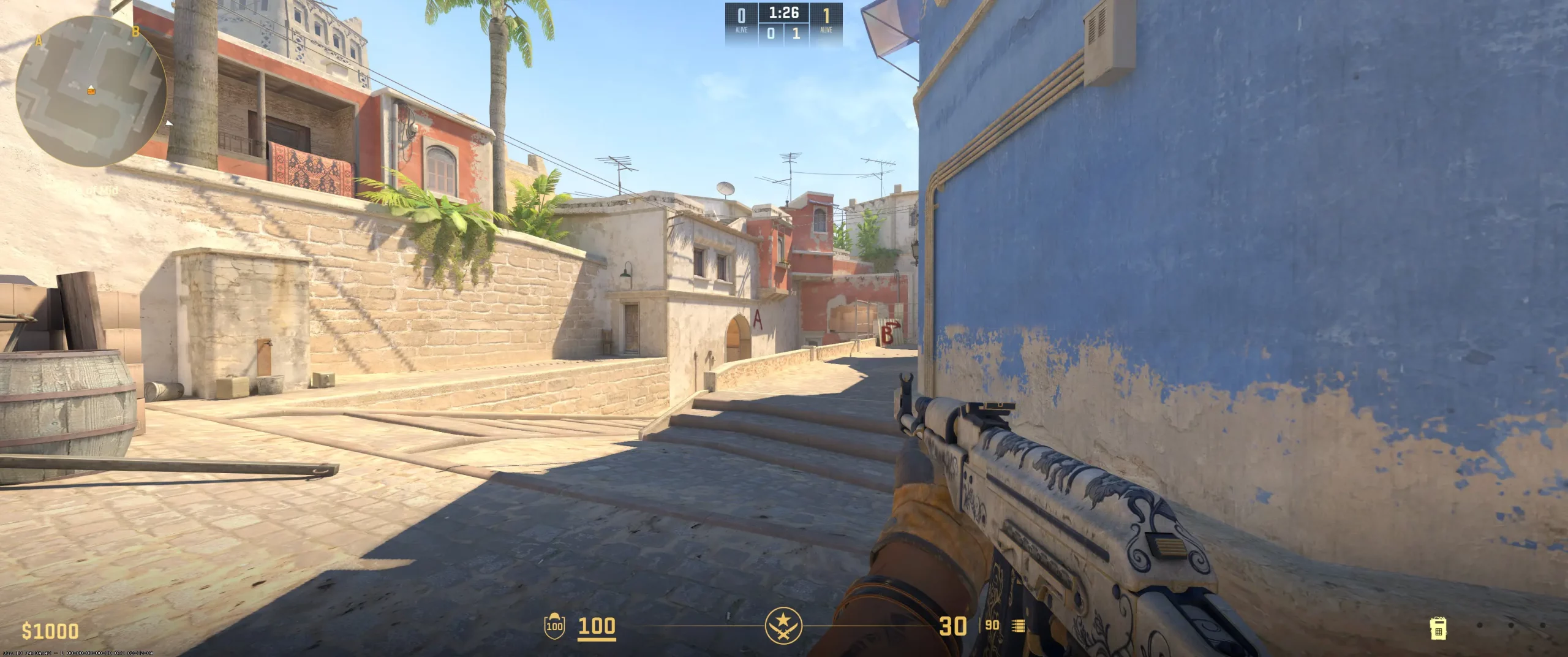
m0NESY uses a small, static crosshair centered for precision. It doesn't move when the player jumps or shoots, which guarantees the highest consistency and predictability. Moreover, the crosshair doesn't follow the weapon's recoil pattern. It may be unsuitable for newcomers, but it fits experienced players who rely on visualizing the actual bullet spread on the screen.
Also, m0NESY uses settings that create a crosshair with short, thin lines pulled tightly towards the center. And the lack of a dot in the center maximizes the target's visibility. Additionally, the cyan makes it contrast against many map environments. The setting Sniper Width - 0 sets the dot and lines to the thinnest width (1 pixel), which gives the AWPer the maximum visibility during scoping. Copy m0NESY crosshair code and test these settings to find the perfect configuration that suits your playstyle.
CSGO-VHcPj-yPL6x-NAHqX-s2yyW-o2OtQ
Video Settings
m0NESY video settings represent a highly optimized configuration. It prioritizes maximum FPS, reduced latency, and enhanced player visibility. The choice of a 4:3 ratio is a popular option among professional players like s1mple and ZywOo, which makes the players' models slightly wider. Also, the player uses Fullscreen Display Mode to minimize input lag.The best CS2 graphics settings usually sacrifice the non-essential visual parts of the game for a clear edge in direct engagements. For example, m0NESY set Low quality of Shader Detail, Model/Texture Detail, and Particle Detail, but enabled Boost Player Contrast to outline models against backgrounds. Additionally, NVIDIA Reflex Low Latency is enabled, which instructs the CPU and GPU to work in a way that minimizes frame queuing. The player's primary goal is to improve visibility, reduce frame-time fluctuations, and maximize performance.
Viewmodel Settings
viewmodel_fov 68; viewmodel_offset_x 2.5; viewmodel_offset_y 0; viewmodel_offset_z -1.5; viewmodel_presetpos 3;
HUD Settings
m0NESY HUD and radar settings aim for a maximum tactical overview. Based on the player's configuration and chosen color, he can easily read critical information (health, ammo) even in the middle of a fight. The other popular settings among professional players are "Radar Centers The Player - Yes" and "Radar Is Rotating - Yes". Their use allows users to understand the forward direction and navigate easily immediately. Also, m0NESY prefers a slightly smaller-than-usual radar with a highly zoomed-out level to see as much of the map as possible.
This CS2 competitive radar setup is designed for players who prioritize global map information and can read it at any time. A low zoom value allows you to get enemy ping or teammate death far away from your location instantly. This configuration is beneficial for IGLs or support, as it allows players to decide when to rotate or stack a site quickly. Try these settings to see if they suit you.
Radar Settings
Launch Options
CS2 launch options for pro players often include various commands that improve the experience. For example, one of the most popular commands is -novid. Its only function is to skip the intro video, cutting the game's startup time and getting into the main lobby faster. Still, m0NESY is one of the players who doesn't use any commands.
Does not use any Launch Options
Config Settings

Skins
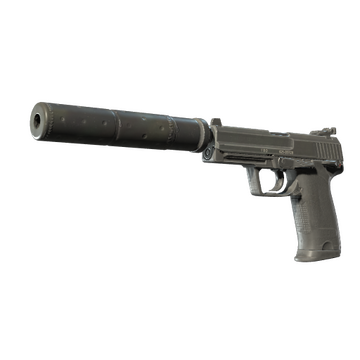
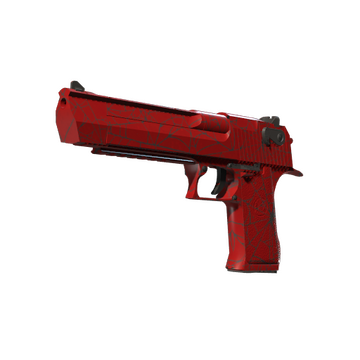
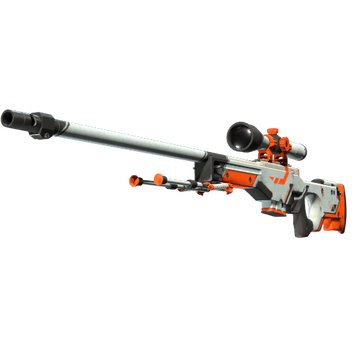
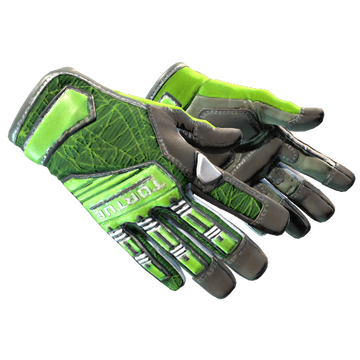
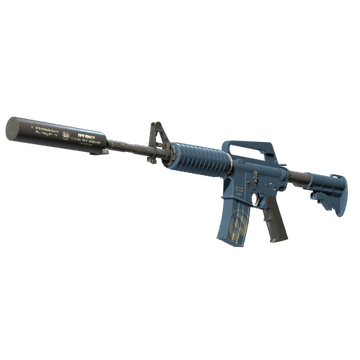
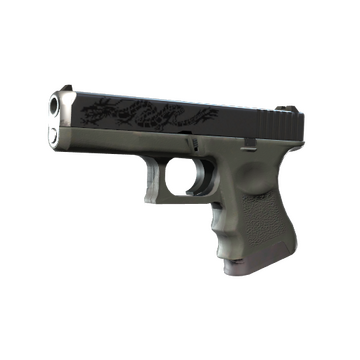
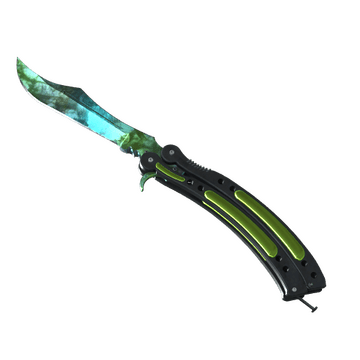
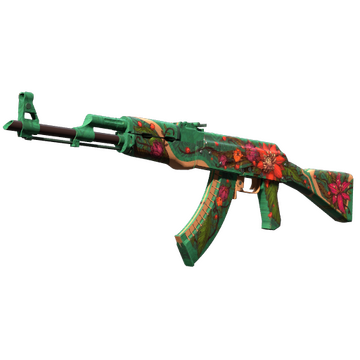
m0NESY CS2 skins feature sought-after designs popular in the Counter-Strike community. AK-47 | Wild Lotus, Specialist Gloves | Emerald Web and Butterfly Knife | Gamma Doppler Emerald create a green loadout that shares both top-end visual appeal and extreme rarity. Other skins in m0NESY's inventory share various colors: gray (Dragon Tattoo), blue (Guardian), white and orange (Asiimov), gold (Orion), and red (Crimson Web). Buy CS2 skins like m0NESY and share your preferences with teammates.
Teammates
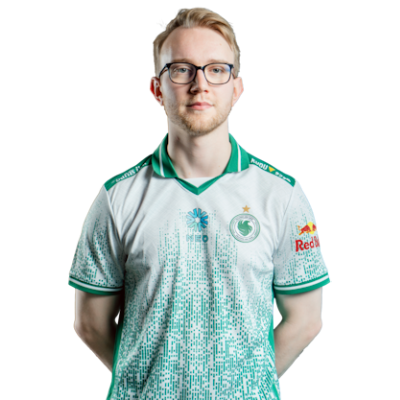

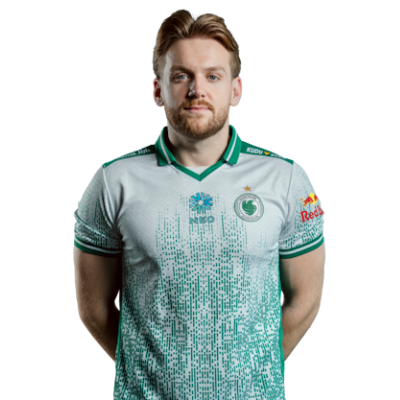
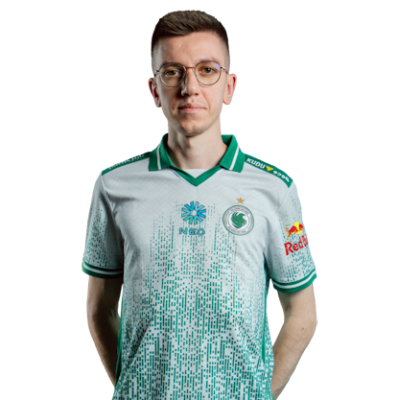
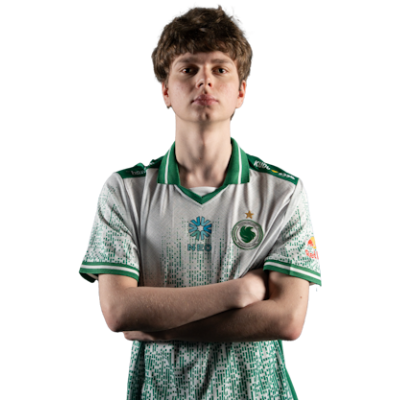
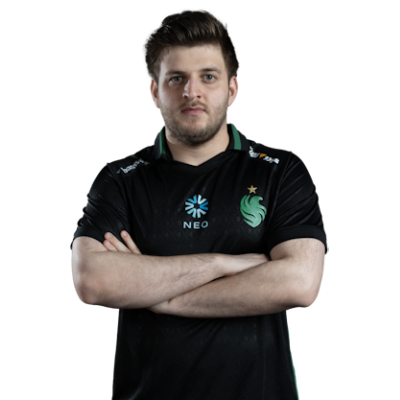
m0NESY Playstyle & Role
One more essential question is how m0NESY plays. In short, he is known for an aggressive and high-impact playstyle. The player is an AWPer with a fast reaction time, sharp peaking, and confident decision-making. Based on m0NESY's playstyle and settings analysis, he maximizes his focus on opponents, consistently winning duels and creating opening plays.A low mouse sensitivity helps m0NESY maintain precision in close-quarters engagements while still being able to take long-range shots. And, by paying close attention to any detail, he gains an advantage in any duel.
Achievements & Career Highlights
m0NESY's achievements are no less intriguing. He is one of the most talented players, especially at his age. Moreover, he has already won several titles on the pro scene. For example, the player was named HLTV's Rookie of the Year in 2022 and ranked seventh. According to the global ranking, he is the second-best player in 2024.The trophies of m0NESY also include several prize places on different tournaments as part of G2 Esports: Esports World Cup 2024 (2nd place), IEM Dallas 2024 (1st place), IEM Chengdu 2024 (3rd-4th place), and PGL CS2 Major Copenhagen 2024 (3rd-4th place).
Current and Past Teams
So which team does m0NESY play for? At the moment, the player is a part of Team Falcons. They have achieved high results across several events, including Intel Extreme Masters Melbourne 2025, BLAST Rivals Spring 2025, and ESL Pro League Season 22. They are #3 in 2025 based on Valve's ranking.m0NESY's way began in 2019 with several online and one offline tournaments as part of NewBALLS, S-Gaming, YOUNGtalents, LegendaryMix, Ztayhomie, and No Pressure teams. 2020 and 2021 were years spent playing for Natus Vincere (Youth, Junior). Together with NaVi, m0NESY grew up on the pro scene. During that time he demonstrated high skill and earned prize places at various tournaments.For over three years (2022-2025), the player was a part of G2 Esports. During this time they won several tournaments with huge prizes. Some of them are BLAST Premier: World Final 2022 ($500,000), Intel Extreme Masters Katowice 2023 ($400,000), Intel Extreme Masters Cologne 2023 ($400,000), Intel Extreme Masters Dallas 2024 ($100,000), BLAST Premier: Fall Final 2024 ($200,000), and BLAST Premier: World Final 2024 ($500,000).Explore more CS2 pro player settings and crosshairs on CS2Crosshair.com.
FAQ
What resolution does m0NESY use?
m0NESY plays at 1280x960 resolution. The player uses Fullscreen stretched mode with a 4:3 ratio.
What sensitivity does m0NESY play on?
m0NESY has a sensitivity of 2.3 at 400 DPI, yielding an eDPI of 920.00.
Should beginners copy m0NESY settings?
m0NESY settings customised specifically for AWPers and the personal preferences of the player. You can copy these configurations and adjust them to your playstyle and your PC.