
chopper Crosshair Code and CS2 Settings
 Team Spirit
 Russia
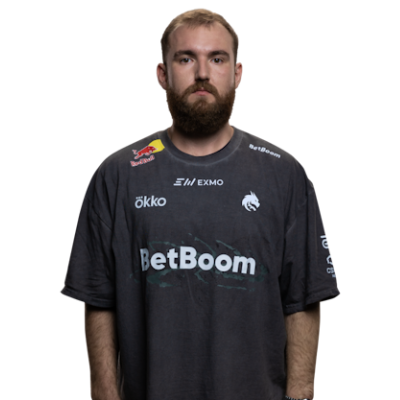
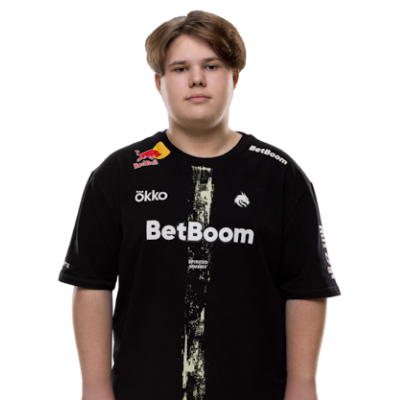
Born in Russia on February 4, 1997, Leonid “chopper” Vishnyakov first joined the Counter-Strike pro scene in 2015. Currently, chopper displays his talents as a rifler for Team Spirit, joining the team in 2021.
As a 10-year veteran, chopper has been around long enough to share the stage with some of the best Counter-Strike players of all time. His longevity on the pro scene likely comes from his ability to remain calm, his pinpoint aim, and his ability to leverage his utilities.
You won’t find long highlight reels featuring chopper, as it’s been his relentless consistency that’s helped him stay relevant for so long. As they say, “slow and steady wins the race.” For this reason, beginners may find that the chopper CS2 settings are a bit more forgiving. Here’s a breakdown of the chopper profile, how he sets his settings, and why he does it.
Crosshair Settings
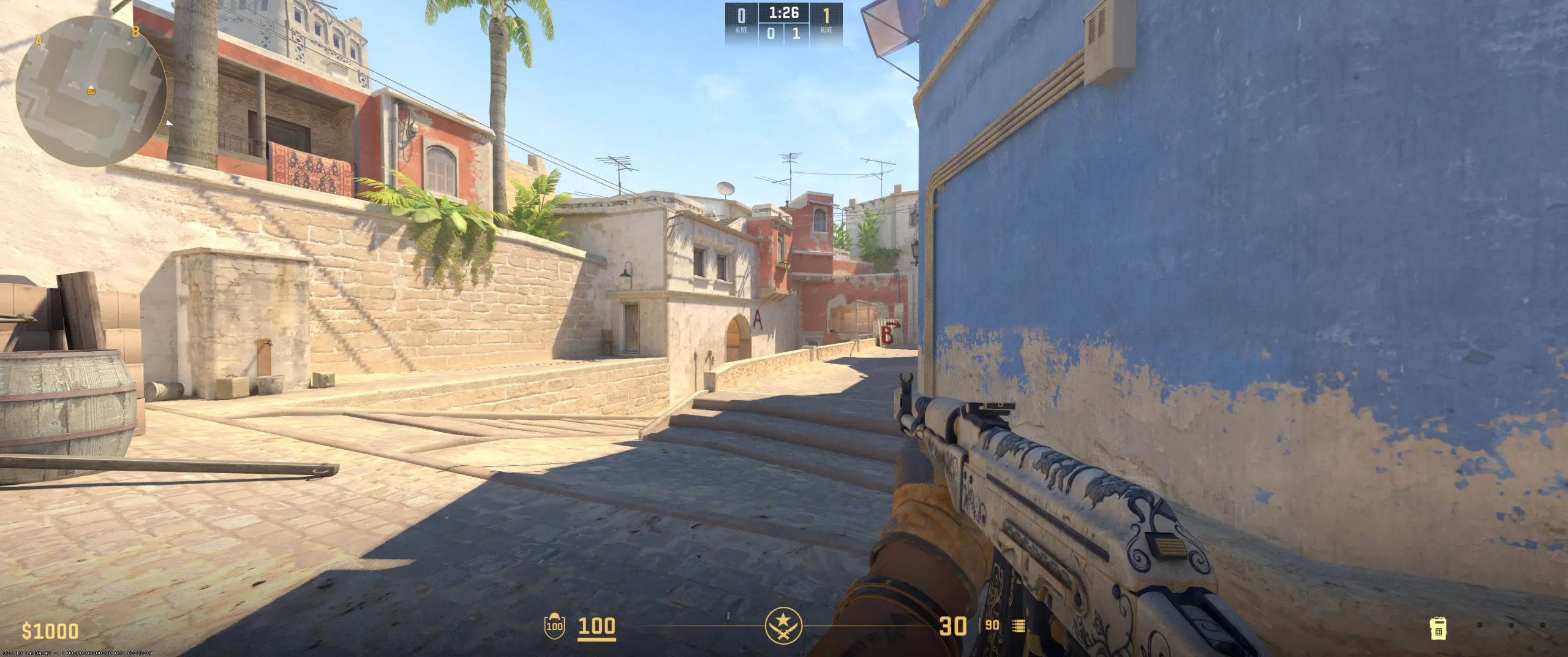
Like most pros, chopper sticks with the classic crosshairs. It’s likely a favorite among pros as it’s simple and favors precision. If you want to check his settings out, just copy the chopper crosshair code (CSGO-OGr5a-GBAXm-dcE2Q-WYJbP-76nQD). The -2 gap brings the crosshairs much closer together, creating a much tighter focal point. This is great for precise shots. However, beginners may find that they overcorrect a bit too much.
To keep the crosshairs as simple and clean as possible, chopper also sets the line thickness to 1 and removes the outline. With the tighter pattern and less visually cluttered crosshair, there really isn’t a need for the dot.
This crosshair setup really complements players who focus on aim discipline with a focus on steady tracking over fast flicks. Beginners may find this an easier way to improve their aim. If you do copy chopper crosshairs setup, make sure you test it out and make any needed adjustments, specifically around the gap.
CSGO-OGr5a-GBAXm-dcE2Q-WYJbP-76nQD

Skins
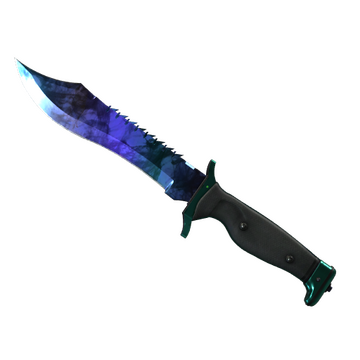
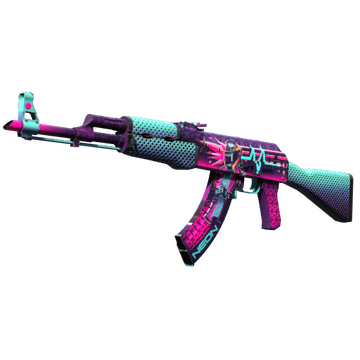
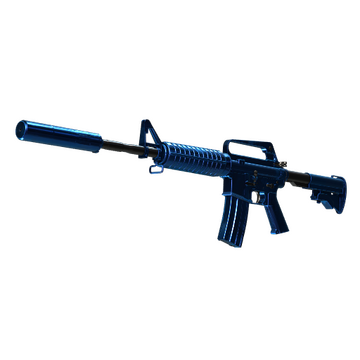
When it comes to the chopper CS2 skins, like most pros, chopper has a very nice range of options in his inventory. Here are some of the skins in the chopper inventory and what they likely say about him as a player:
Bowie Knife | Doppler Sapphire - A vibrant blue knife that carries its own subtleness with it, much like choppers gameplay. He stands out through consistency rather than flashy plays.
AK-47 | Neon Rider - An aggressive design. However, that aggression doesn’t cover the entire skin. It’s both calm and aggressive where it needs to be. This really helps the skin’s design stand out, much like chopper.
M4A1-S | Blue Phosphor - A very polished design. The mix of blues is difficult to notice until you’re really paying attention. Again, much like chopper’s playstyle.
If you’re looking to buy CS2 skins like chopper, expect to pay a premium. Professional CS2 players don’t often play using cheap skins. If those mentioned are too expensive, you can always opt for a more worn version or something similar.
Video Settings
Viewmodel Settings
viewmodel_fov 68; viewmodel_offset_x 2.3; viewmodel_offset_y 2; viewmodel_offset_z -2; viewmodel_presetpos 3;
HUD Settings
Radar Settings
Launch Options
Of all of the settings, the chopper config download mirrors most professional settings. To provide ultra-smooth frame updates, chopper sets the -freq to 240. Here’s a quick snapshot of how he sets some of the other config settings: novid: Removes the intro to save time while launching the game. high & threads: At 12, gets better frame consistency by prioritizing CPU resources for CS2. tickrate: Sets offline practice or community servers to 128. nojoy: Reduces background process drag by stripping unnecessary graphical overhead and disabling joystick support. The reason why most pros use these similar, if not exact, settings is that they provide the seamless, responsive experience needed to optimize FPS and reduce input lag. All beginners should try to copy the CS2 launch options pros use.
Does not use any Launch Options
Config Settings
Teammates
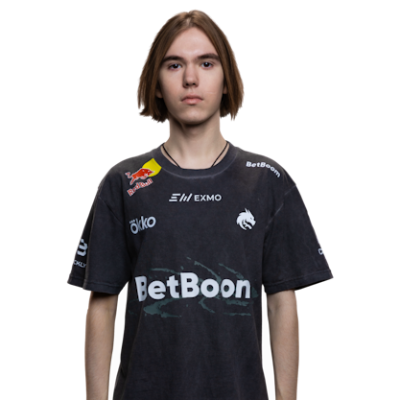


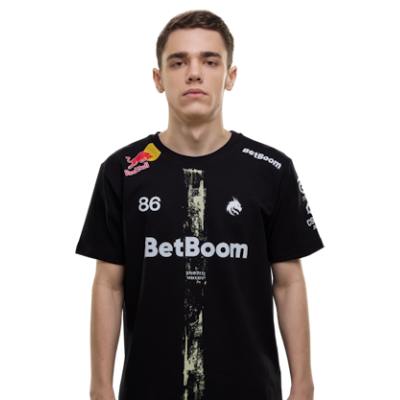
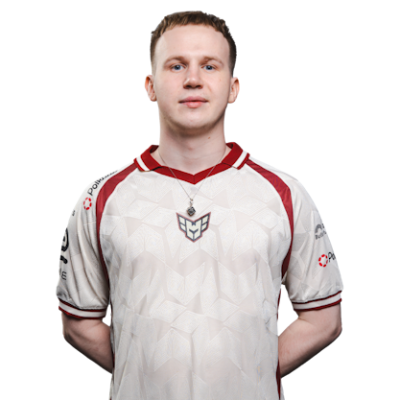
chopper Playstyle & Role
Having such a long, storied career, chopper represents what one would think a pro rifler is. He’s a balanced player who’s adaptable in almost any situation. Chopper doesn’t rush in like an entry fragger or try to only pick off players from long range like an AWPer. He relies on his patience. Mixing that with a decent amount of well-timed aggression. He’s really good at securing map control and creating openings with well-placed utilities. His precision aim helps pick off any opponents that happen to appear in his field of view. And of course, having a 10-year-long, and counting, pro career, chopper is consistent. His playstyle isn’t flashy; it’s all-around solid. His ability to stay calm helps his team overcome any difficult situations and often results in clutch performances. Over the years, how chopper plays has been refined through practice and setting tweaks. If you would like to try to emulate his playstyle, you can start by testing out his settings and reviewing lots of chopper playstyle analysis. You’ll just want to remember that it takes more than studying a player and copying their setting to actually play like them. So, if these settings don’t work for your playstyle, just work on making tweaks to better fit you.
Achievements & Career Highlights
It’s hard to imagine a 10-year veteran as solid as chopper not having a decent list of career highlights. And, as you’d expect, the list of chopper achievements is pretty legit. Here’s a quick look at chopper’s recent wins: Intel Extreme Masters Cologne 2025 BLAST Bounty Spring 2025 PGL Astana 2025 BLAST Bounty Fall 2025 Perfect World Shanghai Major 2024 Throughout his career, chopper has managed to rack up over $1,000,000 in career earnings. This doesn’t include his salary or any sponsorships or partnerships. Somewhere, there’s a place holding the trophies of chopper.
Current and Past Teams
Chopper has played for a few teams over the years. So, which team does chopper play for? Well, currently, chopper plays for Team Spirit. Here’s a look at the teams he showcased his talents on before Spirit. Enso (2015-2015) TEAMSWAGYOLO (2015-2015) Team Quest (2015-2016) Tempest E-Sports, FLuffy Gangsters, Binary Dragons, NokSuKao, ANOX, ALL-IN (2016-2016) Vega Squadron (2016-2019) During 2016 alone, the chopper team consisted of 6 different teams before finally finding a more permanent home on Vega Squadron. There have been many players who are lucky enough to have called chopper a teammate. Be sure to explore more CS2 pro player settings and crosshairs on CS2Crosshair.com.