
broky Crosshair Code and CS2 Settings
 FaZe Clan
 Latvia
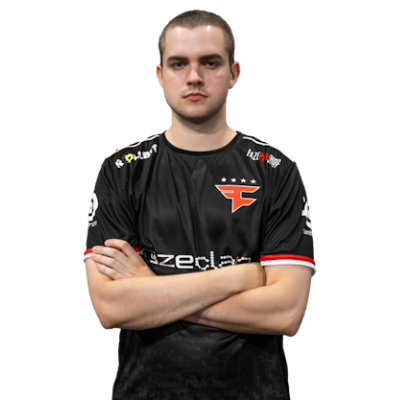
Helvijs “broky” Saukants was born on February 14, 2001. As it says in broky profile, he is a Latvian CS2 player who plays for FaZe Clan. broky uses CS2 settings that allow him to play as an AWPer as his primary role. Still, he is known as a versatile player who performs well under pressure, especially in clutch situations. Additionally, broky can play a supporting role.
broky is considered one of the most successful Latvian players in terms of prize money. He was also the first Latvian pro player to win the PGL Major Antwerp 2022. In the same year, he was voted as the #6 best player in Counter-Strike.
Crosshair Settings
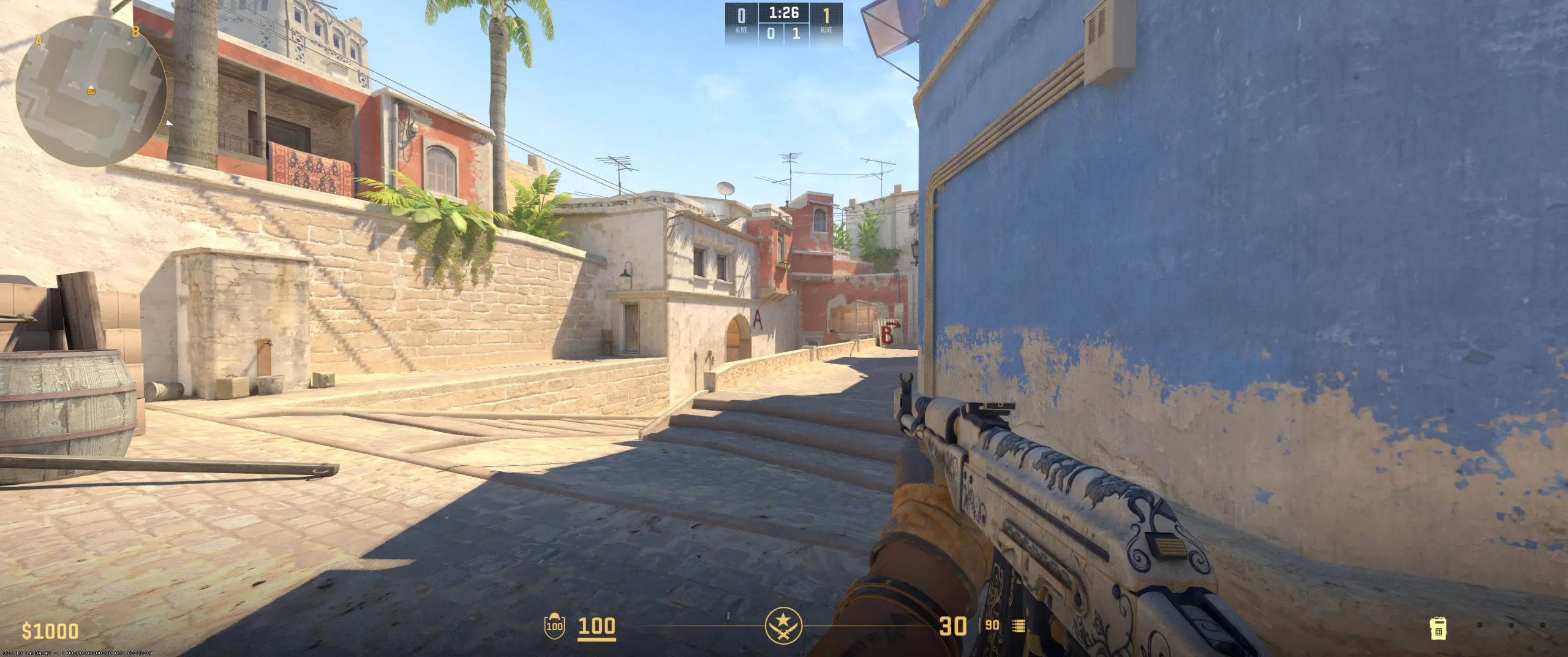
broky uses a small, bright, classic crosshair that doesn’t moves. It's optimized for precise aiming. Also, the crosshair doesn't move during a shooting, which means the player relies on muscle memory to control spray patterns. It lacks a dot in the center of the crosshair to make the central part of the crosshair more straightforward. In combination with medium length and minimum thickness, the crosshair looks thin and minimally invasive on the screen.
This configuration is highly popular among experienced players because of its small, thin crosshair, which provides maximum visibility. At the same time, broky can easily use it due to the color (yellow) and full opacity. It helps the player to see it on most map elements without a problem. Copy broky crosshair code and check if these settings suit your playstyle.
CSGO-FedWa-5kN7Z-TLUss-ic8TS-YJeFO

Skins
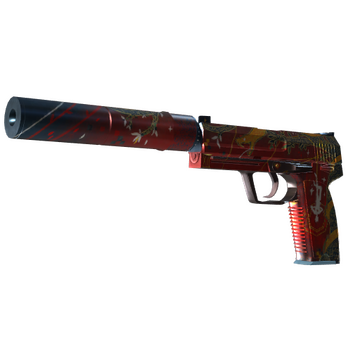
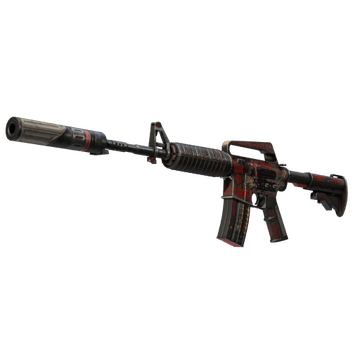
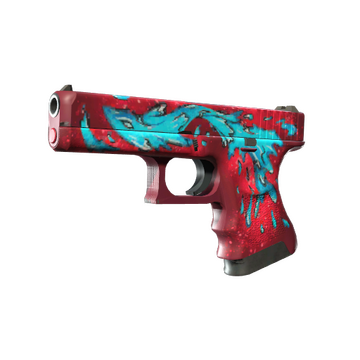

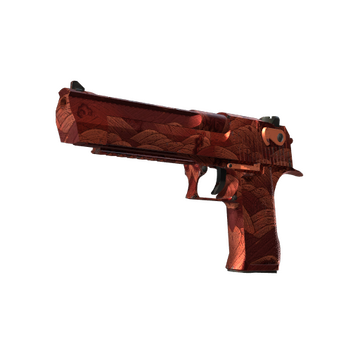
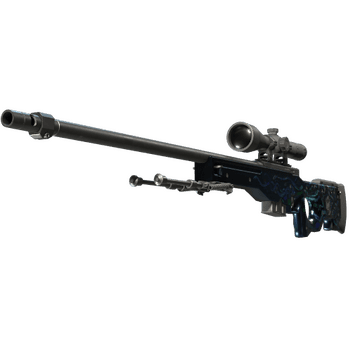

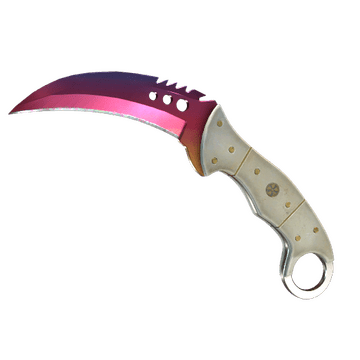
broky CS2 skins feature a variety of designs popular among CS2 players. While they don't create a specific loadout, some of them complement each other. For example, Bloodsport, Sunset Storm 壱, and The Traitor make an asian-inspired theme. Medusa, Night Terror, and Water Elemental create a creature-inspired theme. Additionally, broky inventory also contains the combination of Sport Gloves | Hedge Maze and Talon Knife | Fade. Buy CS2 skins like broky and create your own loadout.
Video Settings
Viewmodel Settings
viewmodel_fov 68; viewmodel_offset_x 2.5; viewmodel_offset_y 0; viewmodel_offset_z -1.5; viewmodel_presetpos 2;
HUD Settings
Radar Settings
Launch Options
CS2 launch options for pro players include various commands to adjust game settings. Some of the most popular options are turning off the intro video to speed up the game menu launch. Here is broky config that you can download and use also: -novid -refresh 240 +exec autoexec +fps_max 500 The -novid command, as we already noted, saves a few seconds by turning off the intro video and letting you reach the main menu faster. The command -refresh 240 forces the game to run at 240 Hz. By using this command, the player can be sure the game is fully utilizing a high-refresh-rate monitor. It leads to smoother gameplay and reduces input lag. The command +exec autoexec allows the player to set personalized console commands, such as viewmodel settings, that are applied permanently without having to type them every time the game launches. The command +fps_max 500 sets the game's maximum FPS to 500. Usually, players cap FPS slightly above the maximum frame rate they actually achieve to reduce frame-time variance. As a result, it helps to avoid instability.
-novid -refresh 240 +exec autoexec +fps_max 500
Config Settings
Teammates

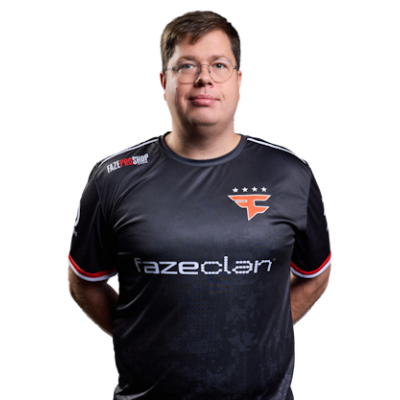

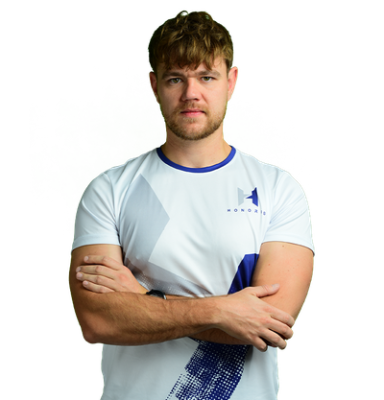
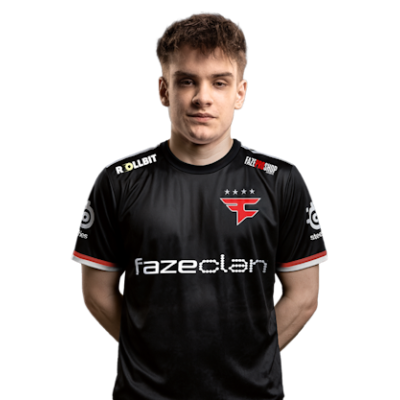
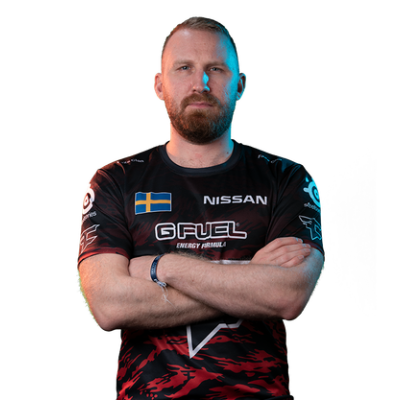
broky Playstyle & Role
During learning the pro settings, it's also useful to understand how broky plays. In short, he is known as a calm AWPer, with a precise approach. Additionally, based on broky playstyle and settings analysis, he can also be a versatile player. The reason lies in the fact that broky easily adapts to different scenarios. For example, he is known for managing clutch situations and strong use of a rifle.
Achievements & Career Highlights
broky's achievements include winning the PGL Major Antwerp 2022 and the PGL Major Copenhagen 2024. Additionally, broky was a winner at the ESL Pro League Season 15, Intel Grand Slam Season 4, and IEM Cologne 2022, and a quarterfinalist on the BLAST.tv Paris Major 2023. The trophies of broky also include several MVP awards from IEM Katowice 2022, BLAST Premier: Fall Finals 2022, and IEM Chengdu 2024. He was named HLTV's #6 best player in 2022 and #8 best player in 2024.
Current and Past Teams
So which team does broky play for? Currently, he is a part of FaZe Clan since 2019. During these years, broky and his team have shown high results in various tournaments. Some of them are BLAST Pro Series: Copenhagen 2019, Intel Extreme Masters XV - New York Online: Europe, Intel Extreme Masters XVI - Katowice, PGL Major Antwerp 2022, Intel Extreme Masters XVII - Cologne, ESL Pro League Season 17, and PGL Major Copenhagen 2024. broky's journey began in 2017-2018. In these years, he played in different online and offline events as part of Domigais, AimhauZ, Wolsung, Pieuwpieuw, MALCO, and Phoenix. In 2019, broky joined the Epsilon Esports team. Together, they won several online tournaments, such as FACEIT Pro League - March 2019 Week 1, ESEA Season 30: Premier Division - Europe, and King of BETSCSGO.GG. Explore more CS2 pro player settings and crosshairs on CS2Crosshair.com.