
dev1ce Crosshair Code and CS2 Settings


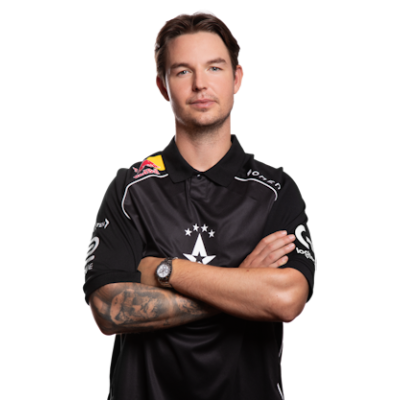
Nicolai “dev1ce” Reedtz is a Danish CS2 player who was born on September 8, 1995. Based on dev1ce profile, he is one of the most recognizable players on the competitive scene. The reason lies in four victories in major tournaments. According to HLTV, he was in the top 20 players 9 times, with his last #11 in 2023. dev1ce CS2 settings are configured to suit his AWPer role. The player is known for his exceptional skill and consistency, being a significant part of team Astralis.
Crosshair Settings
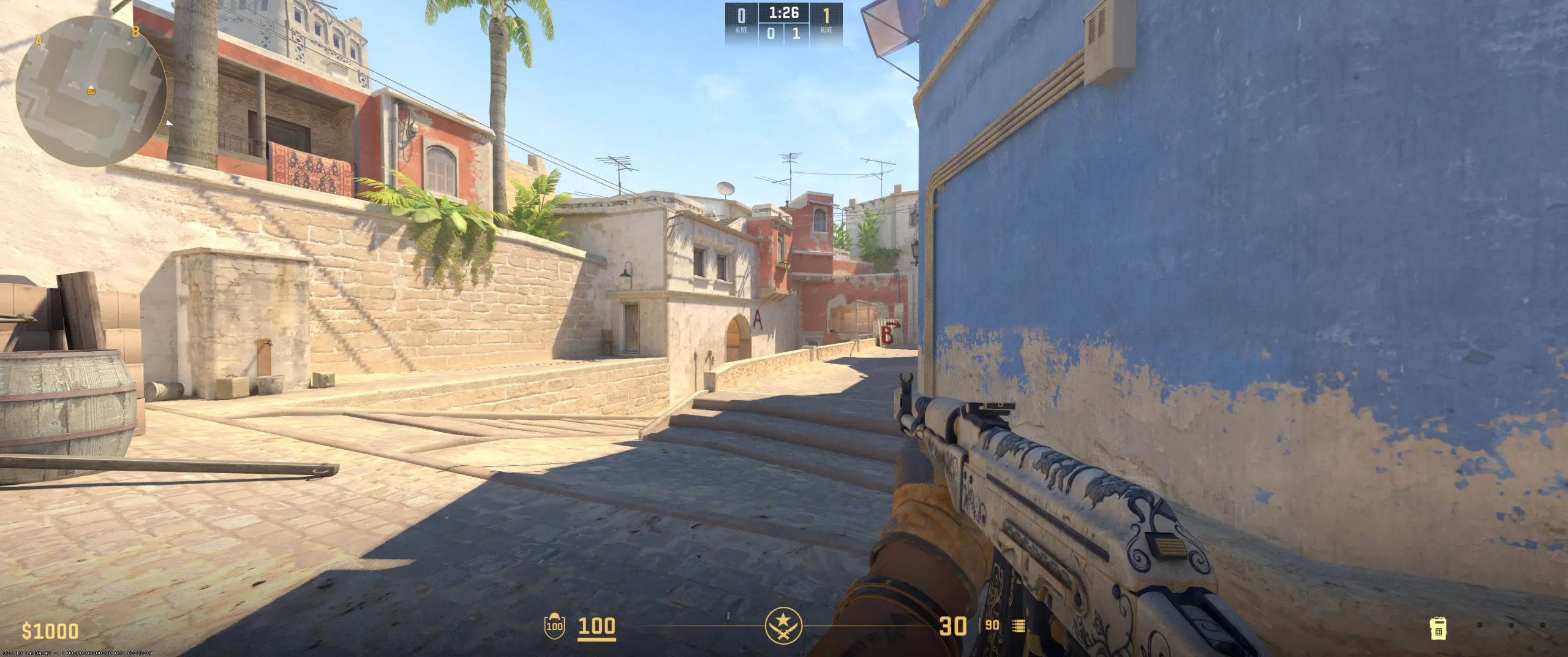
dev1ce uses a configuration with an extremely small and completely opaque crosshair. Additionally, the player chooses to use a static crosshair, which doesn't follow a recoil pattern. It's a popular option on the competitive scene when the player relies on muscle memory rather than visual movement on the screen.
One more essential detail is the use of settings Length (1), Thickness (1), and Gap (-4). With these characteristics, the player gets an extremely small crosshair (a pixel size). It directly affects the amount of available screen space. Also, the crosshair doesn't have a center dot or outline. Lastly, dev1ce chooses Cyan to make his crosshair highly visible on most backgrounds.
These configurations are a perfect choice for players who value headshot accuracy. The size of the crosshair and lack of dynamic movements while shooting force users to learn aim discipline and muscle memory. Copy dev1ce crosshair code and check if these settings suit your role and playstyle.
CSGO-yUBv6-y5b38-fj2sY-ZvyEc-NCmDA

Skins
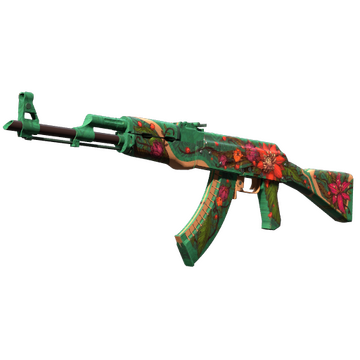


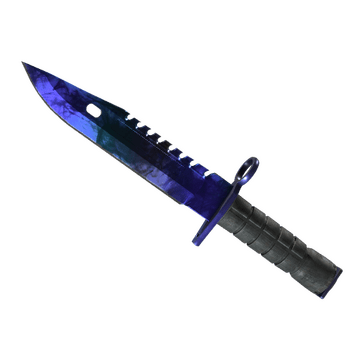
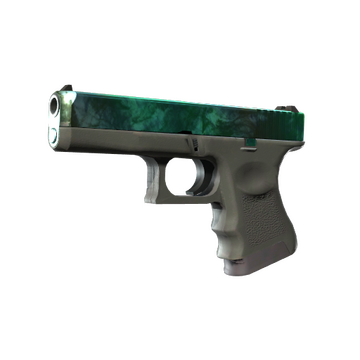
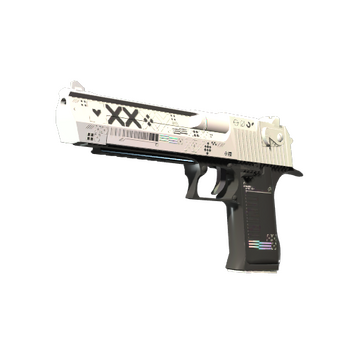
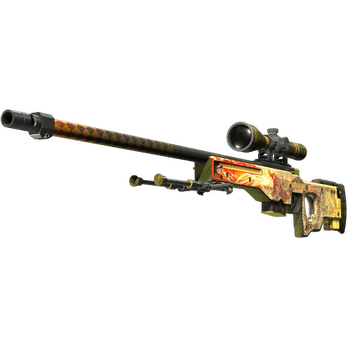
dev1ce CS2 skins contain the iconic, eye-catching finishes. They combine extremely rare designs with a clean, modern aesthetic. For example, dev1ce inventory includes high-value Wild Lotus and Dragon Lore, both of which share a thematic aesthetic. These skins are coveted in the CS2 community and cost a treasure. M9 Bayonet | Doppler Sapphire and Sport Gloves | Amphibious create a perfect knife-glove combination with blue and white. Additionally, there is Glock-18 | Gamma Doppler Emerald, which couldn't be ignored during a match.
Still, the cherry on the cake is the almost complete collection of Printstream skins. dev1ce uses M4A1-S, USP-S, and Desert Eagle with this design, creating an impressive loadout. These skins don't cost a fortune compared to the AWP and AK-47, but are still highly noticeable even during battle. Buy CS2 skins like dev1ce and create your own eye-catching loadout.
Video Settings
Viewmodel Settings
viewmodel_fov 68; viewmodel_offset_x 2.5; viewmodel_offset_y 0; viewmodel_offset_z -1.5; viewmodel_presetpos 2;
HUD Settings
Radar Settings
Launch Options
CS2 launch options for pro players contain different commands. The main reason for using them is to improve some details. The most notable example is disabling the intro video to launch the game menu faster. Here is the dev1ce config that you can download and use also: -console -novid +exec myconfig.cfg The -console command opens the developer console automatically when the game starts. It helps the player immediately begin typing the commands he needs. The -novid command, as already mentioned, speeds up loading the main menu by disabling the intro video. The +exec myconfig.cfg automatically executes the commands listed in a specific file. This is the most essential command dev1ce uses, as it automatically personalizes settings (crosshair, viewmodel) every time the game starts.
-console -novid +exec myconfig.cfg
Config Settings
Teammates
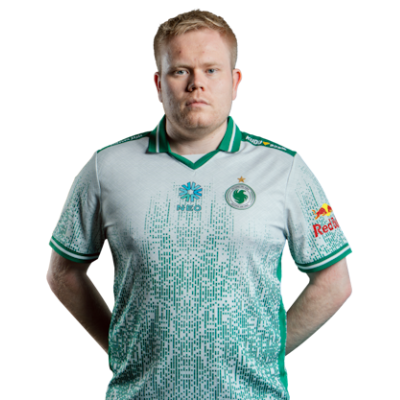 Magisk 🇩🇰
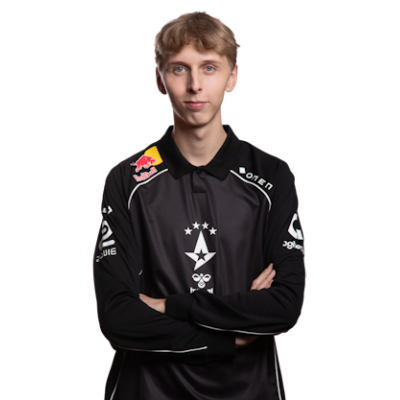 jabbi 🇩🇰
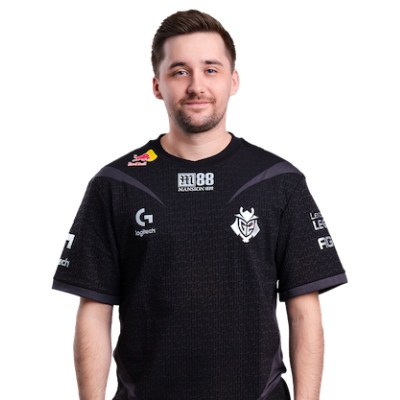 HooXi 🇩🇰
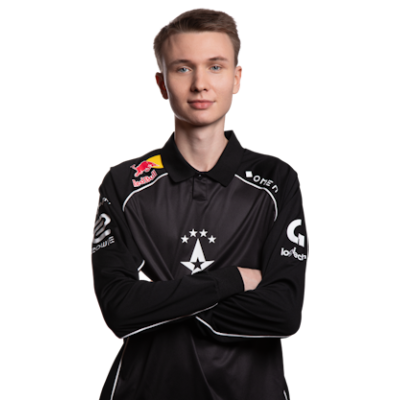 stavn 🇩🇰
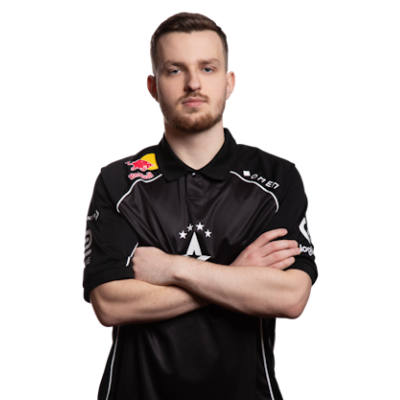 Staehr 🇩🇰
dev1ce Playstyle & Role
The understanding of how dev1ce plays could help players to explore his pro settings. Based on dev1ce playstyle analysis, he is an AWPer and is known for being a strategic player. dev1ce consistently performs at a high individual level, uses precise shots, and smart positioning. Still, his playstyle includes flexibility. Even in rounds when outnumbered, the player shows high skill and can make a clutch.
Achievements & Career Highlights
dev1ce has numerous achievements. Some of them are victories in four major tournaments with his team Astralis with a total prize money of $2.25 million: ELEAGUE Major: Atlanta 2017, FACEIT Major: London 2018 (named MVP), Intel Extreme Masters XIII - Katowice Major 2019, and StarLadder Berlin Major 2019 (named MVP). The trophies of dev1ce feature the HLTV top 5 players for 2015, 2016, 2017, 2018, 2019, and 2020. Moreover, he has 18 MVP awards during his career. In 2018, he set a record, earning 7 MVP awards during the year. In 2020, dev1ce was listed in Forbes 30 Under 30 Europe in the Sports & Games category.
Current and Past Teams
The actual question is which team does dev1ce play for at the moment. Currently, he is a part of team Astralis. According to Valve's ranking, they are #12 globally in 2025. Even though it's not the best time for dev1ce and his team, they are well-known for their several tournament wins. The most notable of them are Esports Championship Series Season 2 - Finals, ELEAGUE Major Atlanta 2017, Intel Extreme Masters XI - World Championship, DreamHack Masters Marseille 2018, ESL Pro League Season 7 - Finals, FACEIT Major: London 2018, Intel Extreme Masters XIII - Katowice Major 2019, StarLadder Berlin Major 2019, and BLAST Pro Series: Global Final 2019. The dev1ce journey on the competitive scene began in 2009 with NewGens team. Then the player has continued to gain skill and participate in various online and offline tournaments with PLAYABLE, SpeedGaming, Copenhagen Wolves, Fnatic, Xapso, über G33KZ, and Team Denmark. In 2014, he began playing for Team Dignitas. Together, they won two online tournaments and achieved strong results in several events. In 2015, dev1ce joined Team SoloMid and won several tournaments. Some of them are 99Damage Masters #1, PGL CS:GO Championship Series Kick-Off Season, FACEIT League 2015 Stage I Finals, and Fragbite Masters Season 4. For a short time, dev1ce joined Team Questionmark, but soon became a part of Astralis. In 2021, the player joined Ninjas in Pyjamas. But after half a year and a series of not-so-high results, dev1ce returned to Astralis.